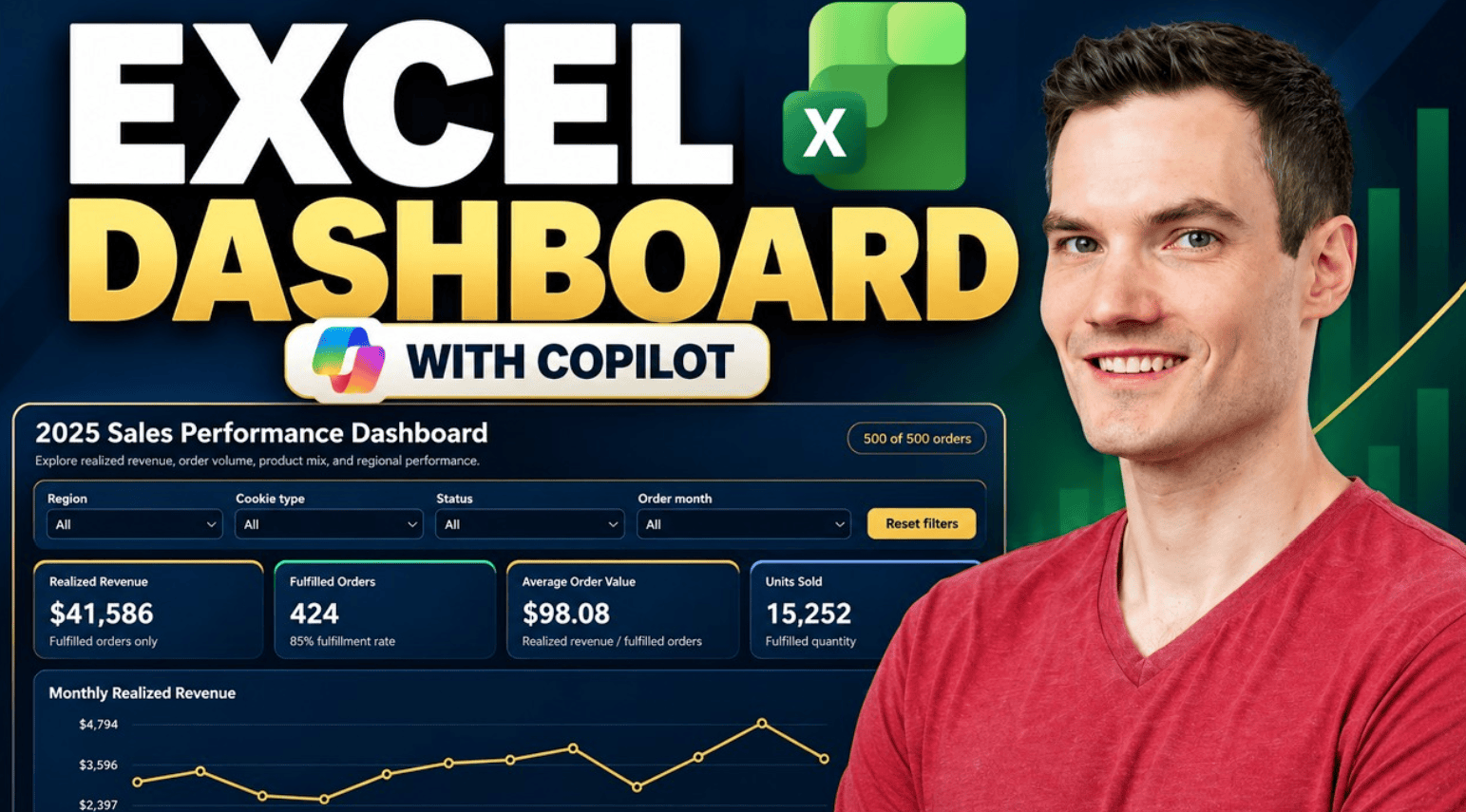
Learn how to create an interactive Excel dashboard with Microsoft Copilot. In this step-by-step tutorial, we build a sales dashboard from sample data, explore interactive filters, verify key metrics, customize the design, and see the dashboard automatically update when a new order is added. Host: Kevin Stratvert 📚 RESOURCES Sample Excel workbook: https://1drv.ms/x/c/b09f9559f6a16b6c/IQBfflBBTT40QogwtC2-DZyCAdXLGSFSJjE1NbP4yFntwPc?e=eAR7Mu Prompt 1:Continue reading “How to Create an Excel Dashboard with Copilot”
Tag Archives: How to use Copilot in Excel
How to Do Sentiment Analysis in Excel (Step-by-Step Guide)
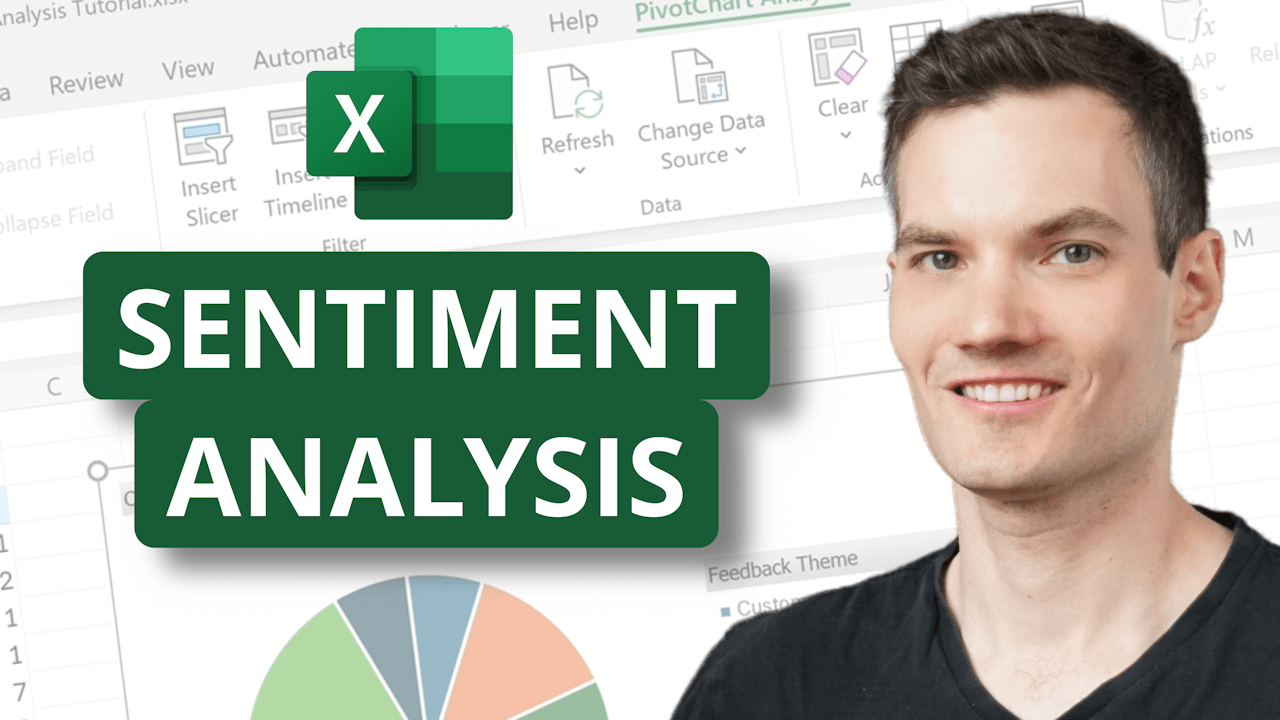
Get instant insights from your customer feedback with sentiment analysis in Microsoft Excel! In this tutorial, I’ll show you step-by-step how to use Copilot in Excel to quickly analyze customer comments, pull out themes, and even generate visual word clouds. You’ll learn how to: Summarize customer sentiment in seconds Filter feedback by positive, neutral, andContinue reading “How to Do Sentiment Analysis in Excel (Step-by-Step Guide)”
FREE Excel Tutoring (Powered by AI) — Learn Fast!

Ever wish you had a personal Excel tutor? With the new Copilot Vision in Windows, now you do—and it’s completely free. In this video, I’ll show you how to use Microsoft’s latest AI-powered assistant that actually sees your screen, understands your spreadsheet, and walks you through Excel tasks step by step. Whether you’re struggling withContinue reading “FREE Excel Tutoring (Powered by AI) — Learn Fast!”
How to Use Power Query + Copilot to Instantly Import Data in Excel
Learn how to use Power Query and Copilot together in Microsoft Excel to import, transform, and sync data like a pro! In this step-by-step tutorial, I’ll show you how to:✔️ Pull live exchange rate data from the web✔️ Automatically calculate prices in multiple currencies✔️ Analyze your calendar and meeting data from Outlook✔️ Fetch org chartsContinue reading “How to Use Power Query + Copilot to Instantly Import Data in Excel”
Excel’s Biggest Upgrade Ever – How to Use Copilot!

Microsoft Excel just got a game-changing upgrade with Copilot, your AI-powered assistant! In this video, I’ll show you how to leverage Copilot to write formulas, clean data, analyze feedback, generate charts, and even build full dashboards—all with simple prompts. If you’ve ever struggled with Excel functions or spent hours manually analyzing data, Copilot will revolutionizeContinue reading “Excel’s Biggest Upgrade Ever – How to Use Copilot!”

