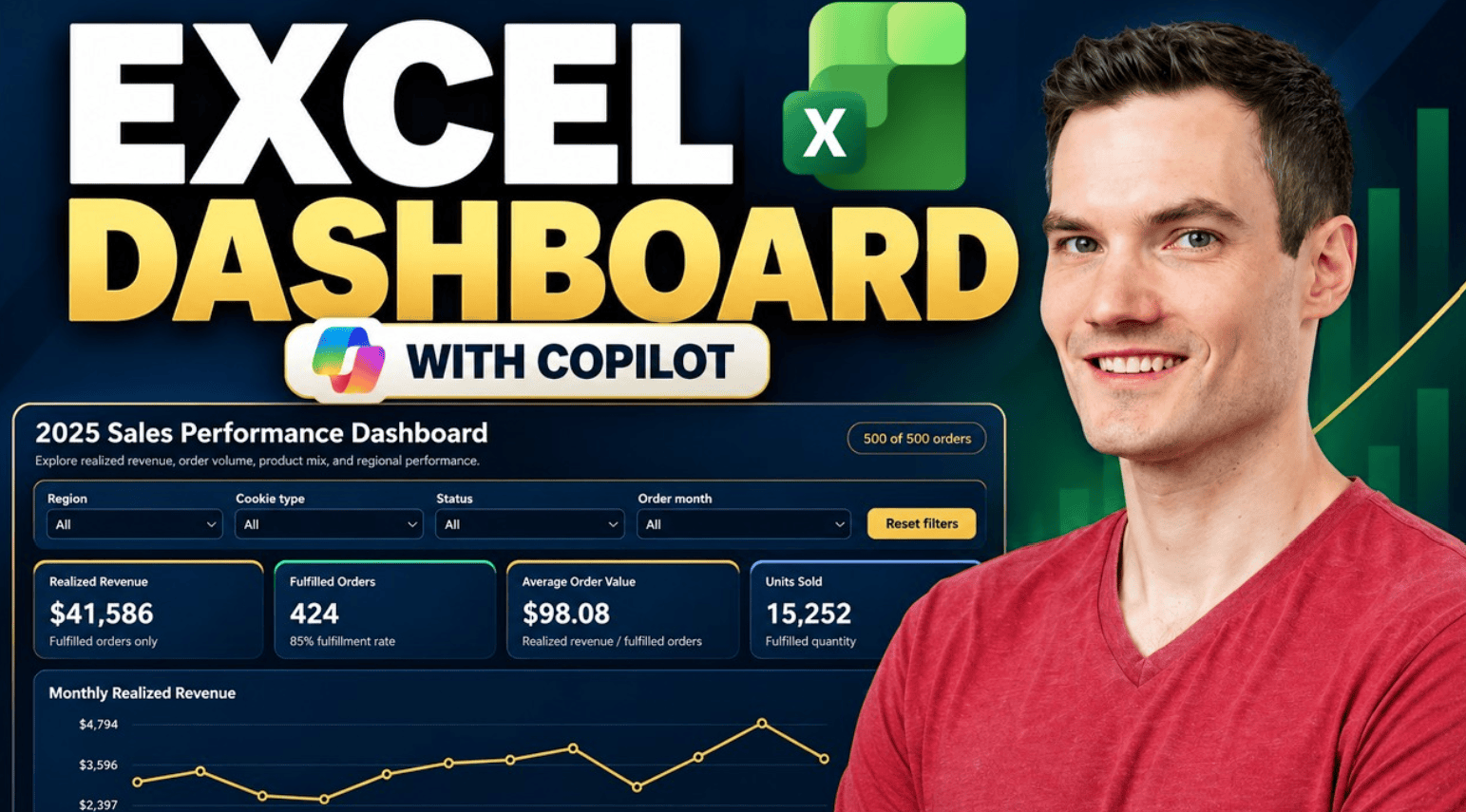
Learn how to create an interactive Excel dashboard with Microsoft Copilot. In this step-by-step tutorial, we build a sales dashboard from sample data, explore interactive filters, verify key metrics, customize the design, and see the dashboard automatically update when a new order is added. Host: Kevin Stratvert 📚 RESOURCES Sample Excel workbook: https://1drv.ms/x/c/b09f9559f6a16b6c/IQBfflBBTT40QogwtC2-DZyCAdXLGSFSJjE1NbP4yFntwPc?e=eAR7Mu Prompt 1:Continue reading “How to Create an Excel Dashboard with Copilot”
Tag Archives: AI in Excel
VLOOKUP in Excel Made EASY with AI (No Formula Needed!)

Forget memorizing formulas—Excel Copilot now does the heavy lifting for you! In this video, I’ll show you how to use AI in Microsoft Excel to perform lookups without ever typing =VLOOKUP(…) or =XLOOKUP(…). You’ll learn how to:✅ Turn your data into structured tables✅ Use Copilot to connect tables with just plain English✅ Let AI insertContinue reading “VLOOKUP in Excel Made EASY with AI (No Formula Needed!)”
Excel’s Biggest Upgrade Ever – How to Use Copilot!

Microsoft Excel just got a game-changing upgrade with Copilot, your AI-powered assistant! In this video, I’ll show you how to leverage Copilot to write formulas, clean data, analyze feedback, generate charts, and even build full dashboards—all with simple prompts. If you’ve ever struggled with Excel functions or spent hours manually analyzing data, Copilot will revolutionizeContinue reading “Excel’s Biggest Upgrade Ever – How to Use Copilot!”

