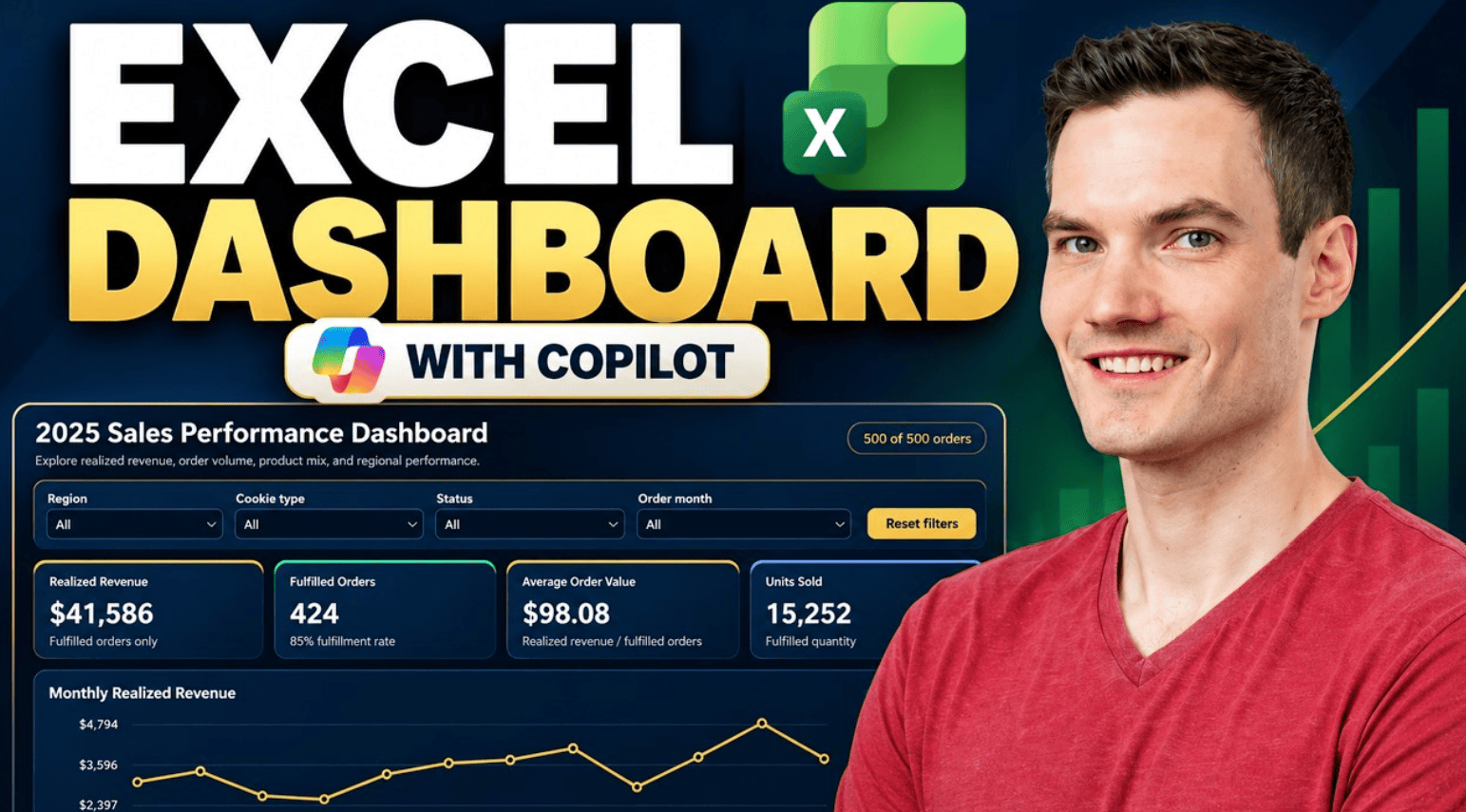
Learn how to create an interactive Excel dashboard with Microsoft Copilot. In this step-by-step tutorial, we build a sales dashboard from sample data, explore interactive filters, verify key metrics, customize the design, and see the dashboard automatically update when a new order is added.
Host: Kevin Stratvert
📚 RESOURCES
- Sample Excel workbook: https://1drv.ms/x/c/b09f9559f6a16b6c/IQBfflBBTT40QogwtC2-DZyCAdXLGSFSJjE1NbP4yFntwPc?e=eAR7Mu
Prompt 1: Create the dashboard
Create a professional, interactive sales dashboard using the data in this workbook. Include key sales metrics, charts showing sales trends and performance, and interactive filters so I can explore the data. Put everything on a new worksheet.
Prompt 2: Customize the theme
Redesign the dashboard with a modern dark theme using navy blue backgrounds, gold accents, and high-contrast white text. Keep the existing layout, charts, metrics, and interactive filters fully functional. Make sure all labels and charts remain easy to read.

