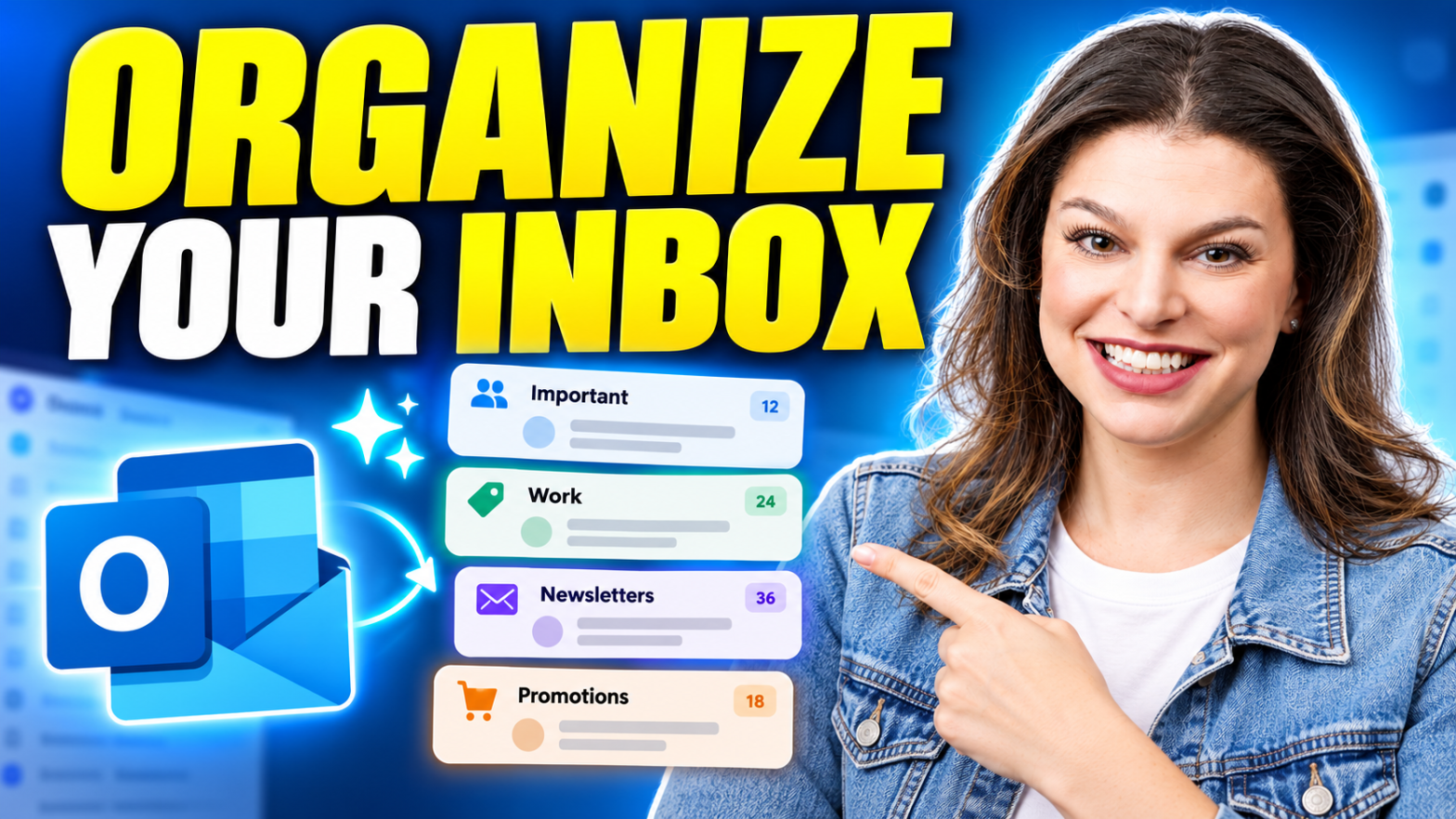
Want to organize your inbox without spending hours sorting email? I’ll walk through five practical Outlook tips to reduce clutter, keep track of follow-ups, and find the messages that actually need your attention. Then I’ll show you how Superhuman Mail uses AI to make organization even easier and help you achieve Inbox Zero! An overflowingContinue reading “How to Organize Your Email Inbox (And Keep it That Way!)”
Tag Archives: Outlook
How to Create Outlook Email Signature

Want a professional email signature that looks great in both the new Outlook desktop app and Outlook on the web? In this step-by-step tutorial, I’ll show you exactly how to create, format, and manage email signatures—including how to use Microsoft Copilot to generate a signature with a photo in seconds. In this video, you’ll learn:Continue reading “How to Create Outlook Email Signature”
Complete File Sharing in Microsoft 365 – OneDrive, Outlook, Teams, and SharePoint
Sharing files in Microsoft 365 applications can be very easy. But, with a little extra work, you can take complete control over the specific permissions each person has on a shared file and change those permissions later. If you’ve ever struggled to manage your shared files in Microsoft 365 apps like OneDrive, Outlook, Microsoft Teams,Continue reading “Complete File Sharing in Microsoft 365 – OneDrive, Outlook, Teams, and SharePoint”
Outlook Tutorial for Beginners
Learn how to use Microsoft Outlook in this complete step-by-step tutorial for beginners! In this video, we’ll walk you through all the Outlook basics, including email setup, managing your inbox, using folders, creating and organizing your calendar, scheduling meetings, setting reminders, managing tasks, and keeping track of contacts. You’ll also discover Outlook tips and tricksContinue reading “Outlook Tutorial for Beginners”
Top 10 Microsoft Copilot Tips and Tricks to Boost Your Productivity
Unlock the full potential of Microsoft Copilot with these top 10 tips and tricks! Whether you’re new to Copilot or looking to level up your productivity, this video has you covered. From comparing files in OneDrive to creating branded presentations in PowerPoint, I’ll walk you through 10 amazing ways to make the most of MicrosoftContinue reading “Top 10 Microsoft Copilot Tips and Tricks to Boost Your Productivity”
How to Write the Perfect Prompts for Microsoft Copilot
Did you know that the quality of your prompts in Microsoft Copilot directly impacts the responses you get? A prompt is essentially a set of instructions you give to Copilot, and the more detail you provide, the better the output. Here’s how you can master the art of prompting to get the most out ofContinue reading “How to Write the Perfect Prompts for Microsoft Copilot”

