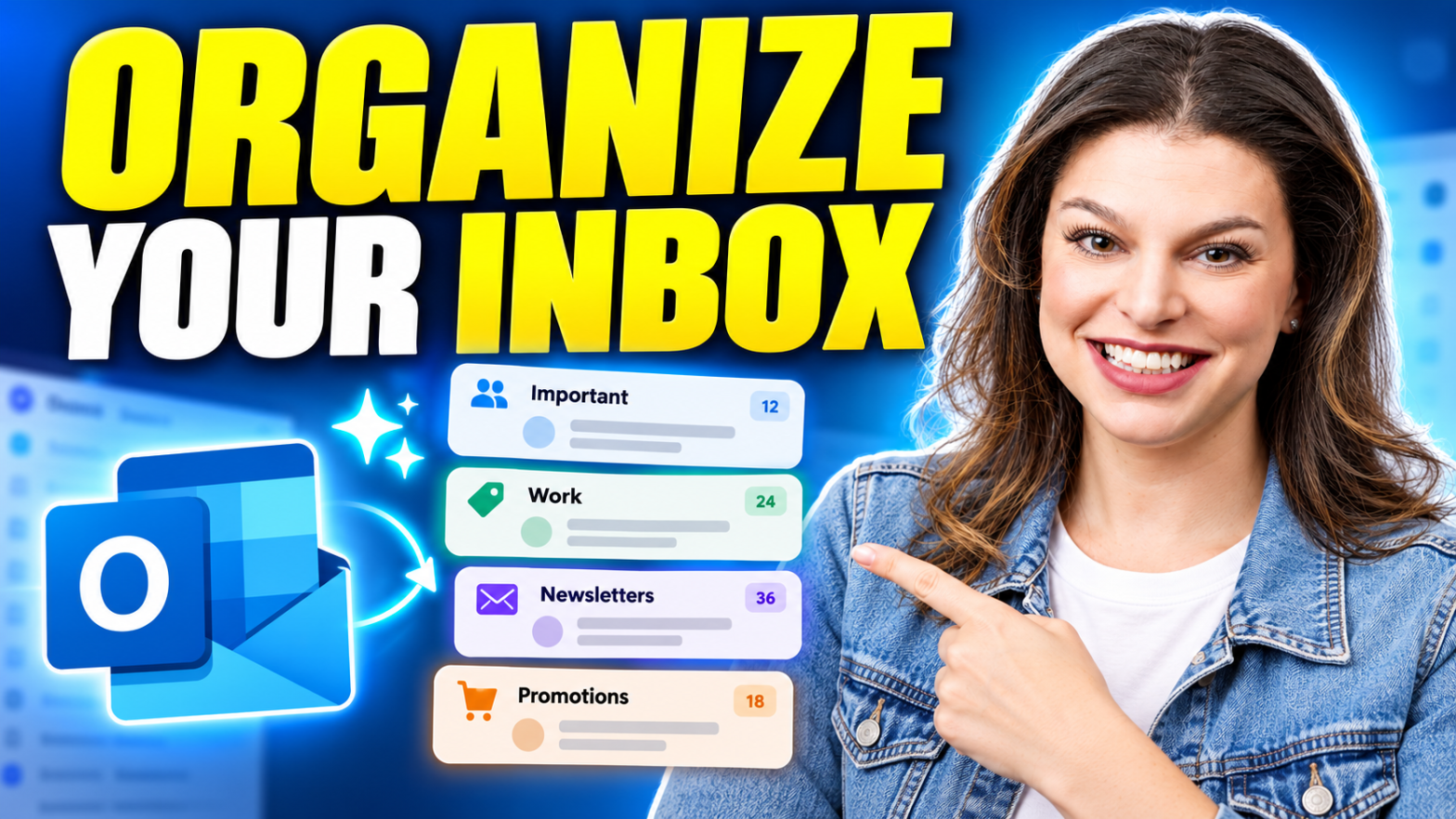
Want to organize your inbox without spending hours sorting email? I’ll walk through five practical Outlook tips to reduce clutter, keep track of follow-ups, and find the messages that actually need your attention. Then I’ll show you how Superhuman Mail uses AI to make organization even easier and help you achieve Inbox Zero! An overflowingContinue reading “How to Organize Your Email Inbox (And Keep it That Way!)”
Tag Archives: Microsoft
Microsoft’s New AI Devices: First Look at Project Solara

Microsoft invited me to Redmond for an exclusive first look at Project Solera, a new initiative exploring what the next generation of AI-powered devices could look like. In this video, I take you inside Microsoft’s concept devices, including a wearable AI badge and a desktop AI companion designed to provide quick access to AI throughoutContinue reading “Microsoft’s New AI Devices: First Look at Project Solara”
Make your Own Agents in Copilot | Complete Tutorial
Copilot Agents are specialized AI assistants that can handle tasks or answer questions within specific, defined parameters. You can use agents in Copilot or make your own agents using the Copilot Agent Builder or Copilot Studio. Agents can even work autonomously or link to applications, facilitating workflows across multiple applications. This video shows how agentsContinue reading “Make your Own Agents in Copilot | Complete Tutorial”
Microsoft Copilot (Free Version) – Complete Tutorial
Microsoft’s AI assistant, Copilot, is available for free, and this video will show you everything you need to know to put it to work. There are different versions of Copilot, including some that are included in paid Microsoft 365 Subscriptions. However, this video focuses only on the free version available at copilot.microsoft.com. Learn how toContinue reading “Microsoft Copilot (Free Version) – Complete Tutorial”
How to Merge Cells in Excel (Without Losing Data)

Merging cells in Excel seems simple… until it breaks your spreadsheet. In this video, I show you exactly how Merge and Center works, and why it can cause serious problems when sorting, filtering, or analyzing data. Host: Kevin Stratvert
5 Mind-Blowing AI Features in Microsoft Edge (You Have to Try These!)

Microsoft Edge just got a full AI upgrade — and it’s smarter than ever. In this video, I teamed up with Microsoft to show you the top 5 new AI features in Edge that will completely change how you browse. From ordering groceries automatically to comparing your open tabs, remembering your research, and even understandingContinue reading “5 Mind-Blowing AI Features in Microsoft Edge (You Have to Try These!)”
5 Things You Didn’t Know Your PC Could Do (Copilot Voice & Vision)

What if your PC could see what you see and talk back to you? Today, I teamed up with Microsoft to show you five powerful new things your PC can do — including Copilot Voice and Copilot Vision. These features let you have natural conversations with your computer, visually share your screen for help, connectContinue reading “5 Things You Didn’t Know Your PC Could Do (Copilot Voice & Vision)”
How to Use Microsoft OneDrive: Complete Tutorial for Beginners
Need access to your files anywhere, anytime? This Microsoft OneDrive tutorial shows you how to use OneDrive to back up, organize, and share your files across all your devices. More than just a place to store documents, OneDrive is a powerful way to protect your data, collaborate with others, and keep everything in sync. DownloadContinue reading “How to Use Microsoft OneDrive: Complete Tutorial for Beginners”
Excel Just Got Smarter — Meet the NEW =COPILOT() Function

Excel just got a huge AI boost — the brand-new Copilot function lets you type =COPILOT directly into a cell, reference your data, and get instant answers or insights right in your spreadsheet. In this tutorial, I’ll walk you through: How the new Copilot function works Using prompts and cell references for smarter results CategorizingContinue reading “Excel Just Got Smarter — Meet the NEW =COPILOT() Function”
Power BI Tutorial for Beginners | Copilot Solves The #1 Problem

This Power BI tutorial for beginners shows you how to go from a blank screen to a fully interactive dashboard—even if you’ve never used Power BI before.Tutorial Data ➜ https://tinyurl.com/ks-powerbi-tutorial-files First, you’ll learn how to install Power BI Desktop for free and get familiar with the interface, including where to build reports, find properties, andContinue reading “Power BI Tutorial for Beginners | Copilot Solves The #1 Problem”

