Unlock the power of Microsoft PowerPoint + Copilot to create stunning AI-driven presentations in minutes! This is the biggest update to PowerPoint yet! In this step-by-step tutorial, I’ll show you how to use Microsoft’s Copilot AI tool inside PowerPoint to build and edit professional slides and save hours of work. Host: Elizabeth Parker
Tag Archives: Microsoft 365 copilot
Grammarly vs. Free AI Tools: Do you still need it?

AI tools like ChatGPT and Copilot are changing how we write, but is Grammarly still worth it in 2025? Sign up and download Grammarly for FREE. If you want to level up your writing, upgrade to Pro with 20% off my link: http://grammarly.com/kevinstratvert03 In this video, I put all three tools to the test —Continue reading “Grammarly vs. Free AI Tools: Do you still need it?”
Excel’s Biggest Upgrade Ever – How to Use Copilot!

Microsoft Excel just got a game-changing upgrade with Copilot, your AI-powered assistant! In this video, I’ll show you how to leverage Copilot to write formulas, clean data, analyze feedback, generate charts, and even build full dashboards—all with simple prompts. If you’ve ever struggled with Excel functions or spent hours manually analyzing data, Copilot will revolutionizeContinue reading “Excel’s Biggest Upgrade Ever – How to Use Copilot!”
Copilot Pages in Microsoft 365: A First Look
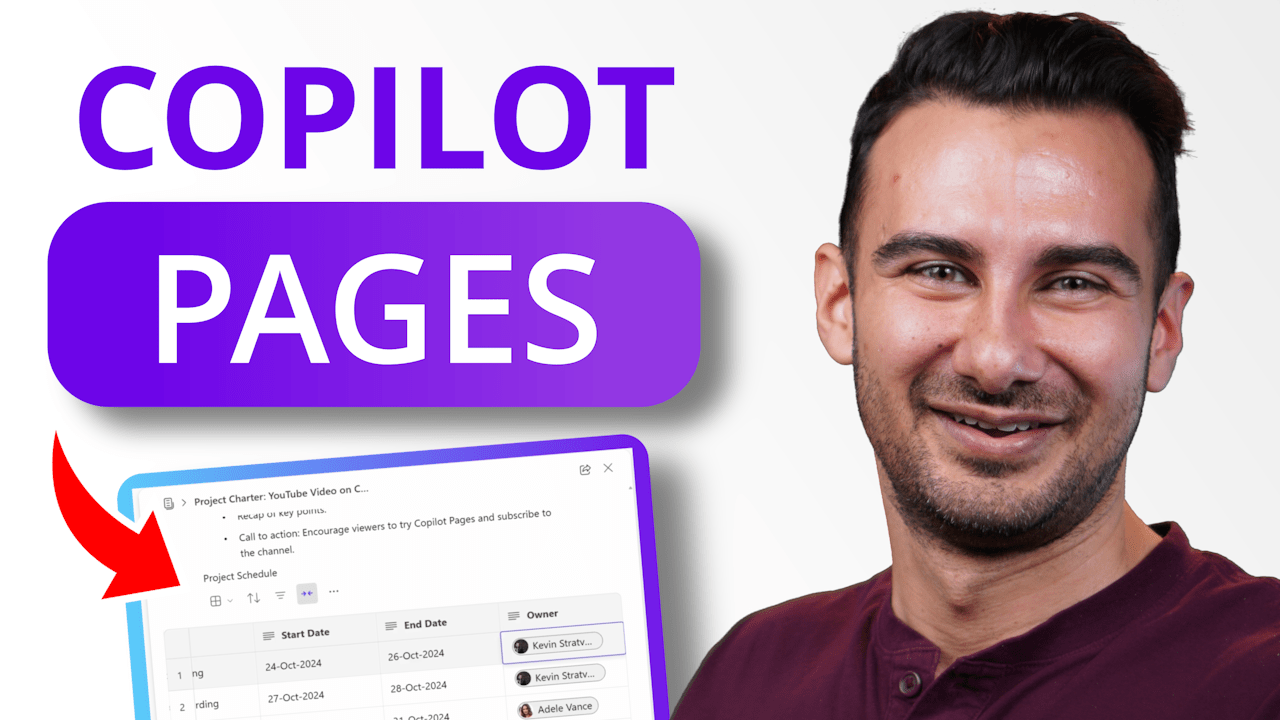
Introducing Copilot Pages – where your work transforms from solo word processing to an AI-powered team environment. No more fussing about where to store documents or how to keep your team aligned – just pure focus on creating, editing, and managing all your proposals, plans, specs, and docs seamlessly with your team. In this videoContinue reading “Copilot Pages in Microsoft 365: A First Look”
 Kevin Stratvert