
This Power BI tutorial for beginners shows you how to go from a blank screen to a fully interactive dashboard—even if you’ve never used Power BI before.Tutorial Data ➜ https://tinyurl.com/ks-powerbi-tutorial-files First, you’ll learn how to install Power BI Desktop for free and get familiar with the interface, including where to build reports, find properties, andContinue reading “Power BI Tutorial for Beginners | Copilot Solves The #1 Problem”
Tag Archives: copilot
Top 5 AI Tools in 2025 – Increase Your Productivity!
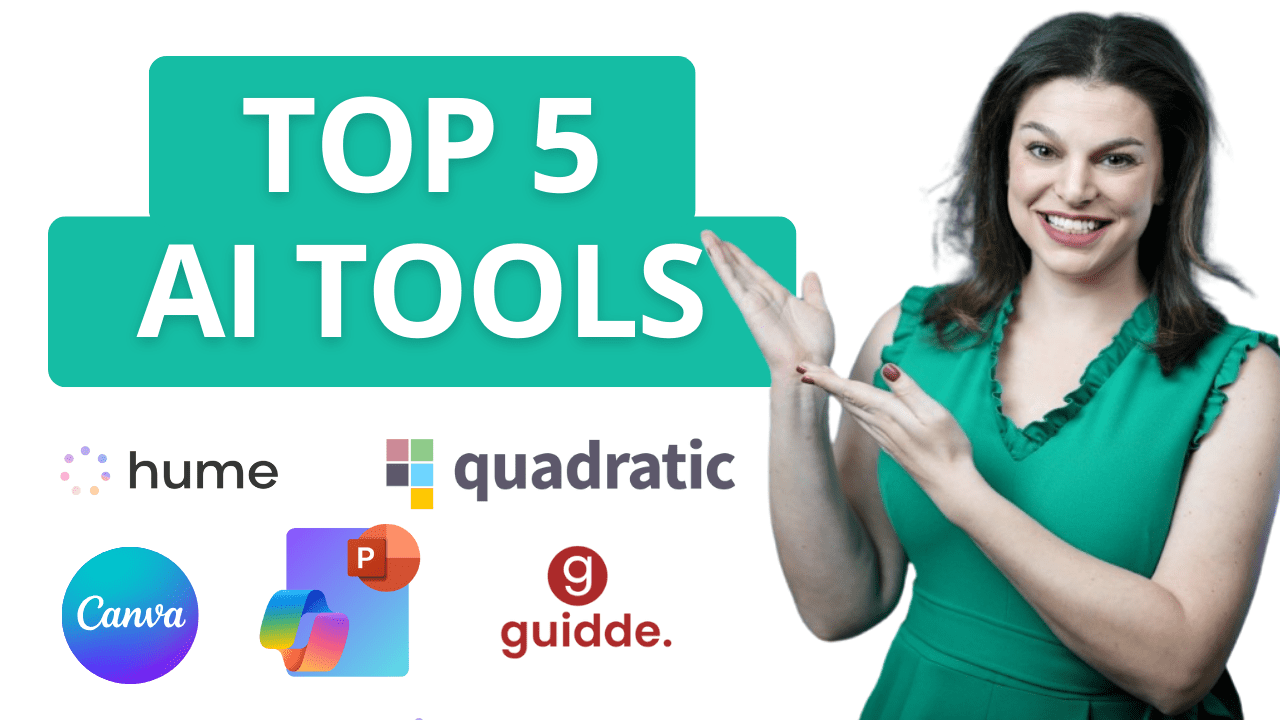
The Future of AI is Here! Explore 5 revolutionary AI tools designed to enhance productivity, spark creativity, automate tedious tasks, and optimize your workflow. Whether you’re a professional, entrepreneur, or creative, these cutting-edge tools will transform the way you work. Host: Elizabeth Parker
Create AI Agents in SharePoint & Teams in Just a Few Clicks

Do you have countless files and folders stored on your SharePoint sites with valuable information for your organization? In this video, we dive into a brand-new feature: Agents in SharePoint, which makes it easier than ever to share knowledge across your team. With just a few clicks, you can set up an AI agent inContinue reading “Create AI Agents in SharePoint & Teams in Just a Few Clicks”
Copilot Pages in Microsoft 365: A First Look
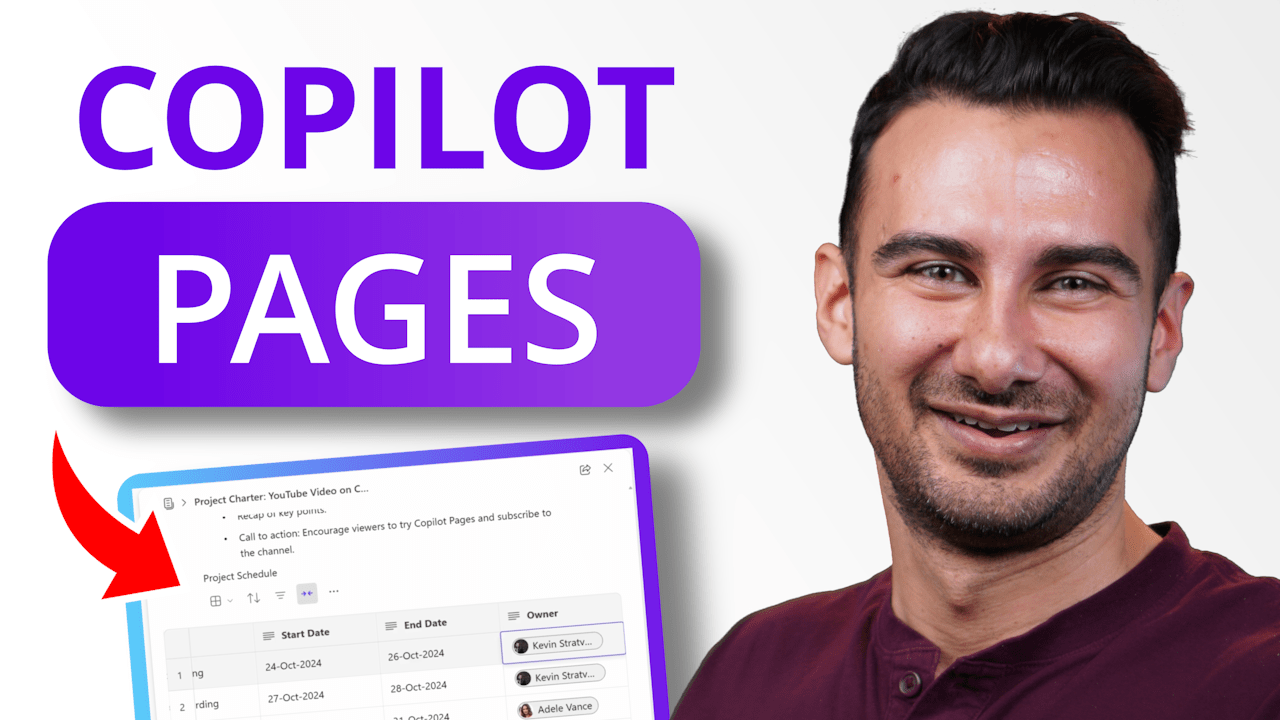
Introducing Copilot Pages – where your work transforms from solo word processing to an AI-powered team environment. No more fussing about where to store documents or how to keep your team aligned – just pure focus on creating, editing, and managing all your proposals, plans, specs, and docs seamlessly with your team. In this videoContinue reading “Copilot Pages in Microsoft 365: A First Look”
The NEW Microsoft Planner (2024): NEVER Miss a Deadline Again

This comprehensive Microsoft Planner Tutorial is updated for late 2024 to reflect the NEWEST Planner, which consolidates the old Planner, Microsoft To Do, and Project for the Web, all accessible in Microsoft Teams. Here’s what you’ll learn in this Microsoft Planner tutorial:☑️ First, you’ll see how to access the new Planner experience in Microsoft Teams.☑️Continue reading “The NEW Microsoft Planner (2024): NEVER Miss a Deadline Again”
Top 10 Microsoft Copilot Tips and Tricks to Boost Your Productivity

Unlock the full potential of Microsoft Copilot with these top 10 tips and tricks! Whether you’re new to Copilot or looking to level up your productivity, this video has you covered. From comparing files in OneDrive to creating branded presentations in PowerPoint, I’ll walk you through 10 amazing ways to make the most of MicrosoftContinue reading “Top 10 Microsoft Copilot Tips and Tricks to Boost Your Productivity”
How to Write the Perfect Prompts for Microsoft Copilot

Did you know that the quality of your prompts in Microsoft Copilot directly impacts the responses you get? A prompt is essentially a set of instructions you give to Copilot, and the more detail you provide, the better the output. Here’s how you can master the art of prompting to get the most out ofContinue reading “How to Write the Perfect Prompts for Microsoft Copilot”
Microsoft Copilot Tutorial for Beginners

You might have noticed a new icon appearing just about everywhere—on the taskbar in Windows, in apps like Word, PowerPoint, Teams, in your Edge browser, and even on your keyboard. But what exactly is it, and should you start incorporating it into your daily workflows? In this video, we’re going to explore how Microsoft CopilotContinue reading “Microsoft Copilot Tutorial for Beginners”
Is This the Smartest Laptop Ever? ASUS Vivobook S 15 Copilot+PC
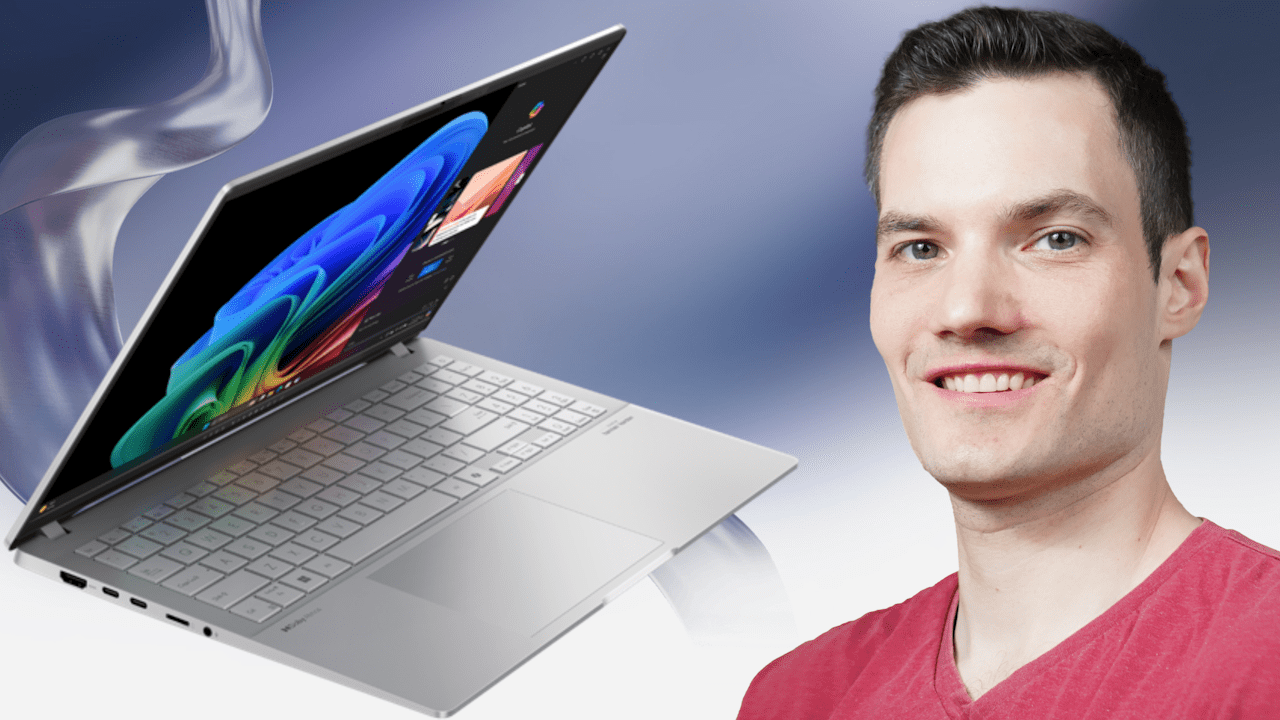
In today’s video, we’re diving into the ASUS Vivobook S 15, not just any ordinary laptop but the first Copilot+PC. What makes it so special? It’s packed with cutting-edge AI capabilities that can transform your creative and productivity experiences. From AI-assisted image creation to live captions in multiple languages, the ASUS Vivobook S 15 promisesContinue reading “Is This the Smartest Laptop Ever? ASUS Vivobook S 15 Copilot+PC”
First-Look: How to use Copilot in Microsoft Loop

In this step-by-step tutorial, learn how to use Copilot in Microsoft Loop. Microsoft Copilot is a new feature of Microsoft 365 that uses artificial intelligence (AI) to help you with your work. It can understand your natural language and generate relevant content, such as text, data, charts, images, and more. In Microsoft Loop, you can use Copilot to write text, brainstorm new ideas, generate tables, rewrite content, summarize text, and much more. Microsoft Loop is now generally available.
 Kevin Stratvert