
Want a professional email signature that looks great in both the new Outlook desktop app and Outlook on the web? In this step-by-step tutorial, I’ll show you exactly how to create, format, and manage email signatures—including how to use Microsoft Copilot to generate a signature with a photo in seconds. In this video, you’ll learn:Continue reading “How to Create Outlook Email Signature”
Tag Archives: copilot
5 Mind-Blowing AI Features in Microsoft Edge (You Have to Try These!)

Microsoft Edge just got a full AI upgrade — and it’s smarter than ever. In this video, I teamed up with Microsoft to show you the top 5 new AI features in Edge that will completely change how you browse. From ordering groceries automatically to comparing your open tabs, remembering your research, and even understandingContinue reading “5 Mind-Blowing AI Features in Microsoft Edge (You Have to Try These!)”
5 Things You Didn’t Know Your PC Could Do (Copilot Voice & Vision)

What if your PC could see what you see and talk back to you? Today, I teamed up with Microsoft to show you five powerful new things your PC can do — including Copilot Voice and Copilot Vision. These features let you have natural conversations with your computer, visually share your screen for help, connectContinue reading “5 Things You Didn’t Know Your PC Could Do (Copilot Voice & Vision)”
How to Use Copilot in Microsoft OneDrive

Managing files, meeting notes, and documents across OneDrive can feel overwhelming, but now Microsoft Copilot is built right in to help. In this tutorial, you’ll see how to use Copilot in OneDrive to summarize, compare, and extract insights from your files, whether they’re text-based documents, recordings, or images. You’ll also see how Copilot can createContinue reading “How to Use Copilot in Microsoft OneDrive”
PowerPoint & Copilot – Biggest PowerPoint Upgrade!
Unlock the power of Microsoft PowerPoint + Copilot to create stunning AI-driven presentations in minutes! This is the biggest update to PowerPoint yet! In this step-by-step tutorial, I’ll show you how to use Microsoft’s Copilot AI tool inside PowerPoint to build and edit professional slides and save hours of work. Host: Elizabeth Parker
Excel Just Got Smarter — Meet the NEW =COPILOT() Function

Excel just got a huge AI boost — the brand-new Copilot function lets you type =COPILOT directly into a cell, reference your data, and get instant answers or insights right in your spreadsheet. In this tutorial, I’ll walk you through: Whether you’re organizing feedback, summarizing data, or creating fun, dynamic content, Copilot in Excel canContinue reading “Excel Just Got Smarter — Meet the NEW =COPILOT() Function”
9 Copilot App Tips & Tricks You’ll Actually Use

With the new Microsoft 365 Copilot app, you can do more than just write emails or analyze spreadsheets—you can transform your entire workflow. In this video, Rebecca from Microsoft walks you through 9 powerful tips and tricks to unlock Copilot’s full potential. Host: Rebecca Keys
Power BI Tutorial for Beginners | Copilot Solves The #1 Problem

This Power BI tutorial for beginners shows you how to go from a blank screen to a fully interactive dashboard—even if you’ve never used Power BI before.Tutorial Data ➜ https://tinyurl.com/ks-powerbi-tutorial-files First, you’ll learn how to install Power BI Desktop for free and get familiar with the interface, including where to build reports, find properties, andContinue reading “Power BI Tutorial for Beginners | Copilot Solves The #1 Problem”
Top 5 AI Tools in 2025 – Increase Your Productivity!
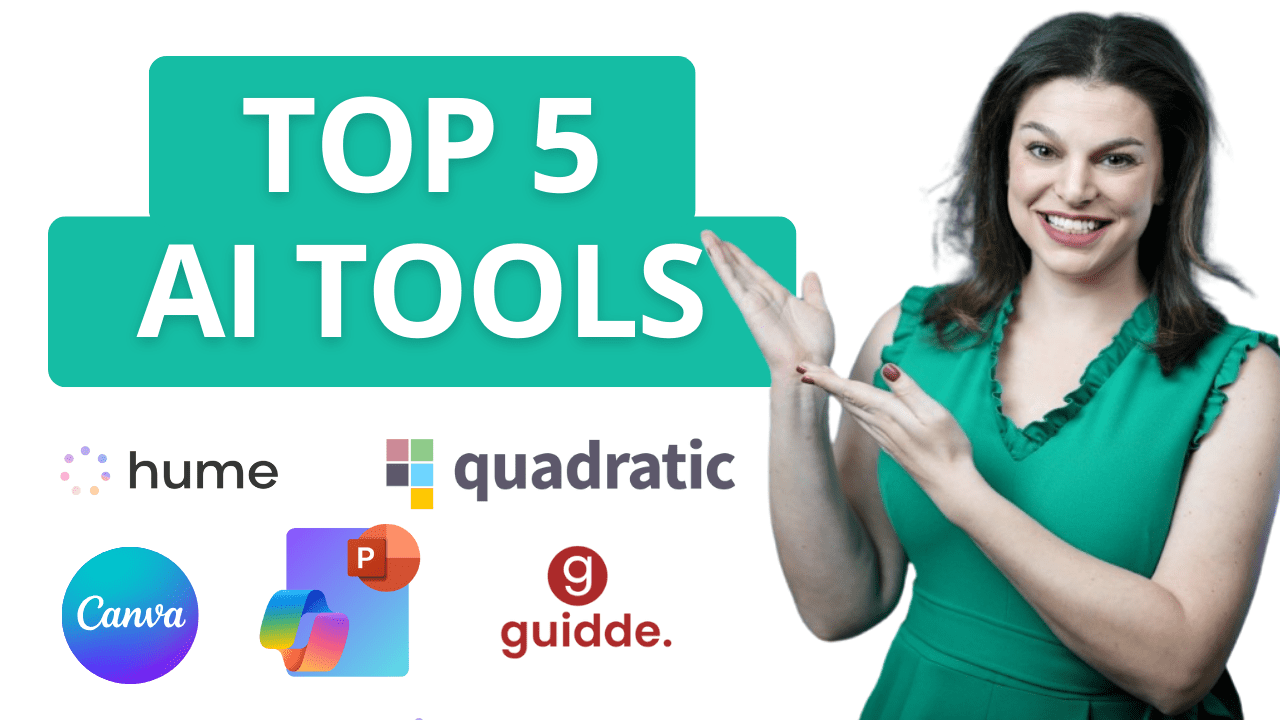
The Future of AI is Here! Explore 5 revolutionary AI tools designed to enhance productivity, spark creativity, automate tedious tasks, and optimize your workflow. Whether you’re a professional, entrepreneur, or creative, these cutting-edge tools will transform the way you work. Host: Elizabeth Parker
Create AI Agents in SharePoint & Teams in Just a Few Clicks

Do you have countless files and folders stored on your SharePoint sites with valuable information for your organization? In this video, we dive into a brand-new feature: Agents in SharePoint, which makes it easier than ever to share knowledge across your team. With just a few clicks, you can set up an AI agent inContinue reading “Create AI Agents in SharePoint & Teams in Just a Few Clicks”
 Kevin Stratvert