
Grammarly just got a major upgrade — and it’s more than grammar checking. In this video, I’ll walk you step-by-step through Grammarly’s brand-new AI tools that help you proofread, humanize your tone, predict reader reactions, and even get expert-style feedback. Whether you’re a student, professional, or content creator, these tools can help you write smarter,Continue reading “How to Use Grammarly’s New AI Tools (Step-by-Step Guide)”
Tag Archives: AI
n8n for Beginners: Build Your First No-Code Workflow (Hostinger VPS Setup)

Want to save hours of repetitive work without writing a single line of code? This beginner-friendly n8n tutorial shows you how to automate tasks, and you can follow along by hosting n8n on a Hostinger VPS at https://hostinger.com/startn8n and use the coupon code STARTN8N for an extra discount. n8n is the powerful open-source automation toolContinue reading “n8n for Beginners: Build Your First No-Code Workflow (Hostinger VPS Setup)”
From Zero to Your First AI Agent in 20 Minutes (No Coding, Make.com)

Ready to build your first AI agent—without writing code? In this tutorial, I’ll show you how to use Make (Make.com) to connect your inbox, knowledge base, and Slack so an agent can read customer emails, reply to FAQs automatically, and escalate complex requests to your team. Host: Kevin Stratvert Sponsor: Make 📚 RESOURCES – GetContinue reading “From Zero to Your First AI Agent in 20 Minutes (No Coding, Make.com)”
AI Presentation Tools: Skywork vs Gamma? I Put Them Head-to-Head (You’ll Be Surprised!)
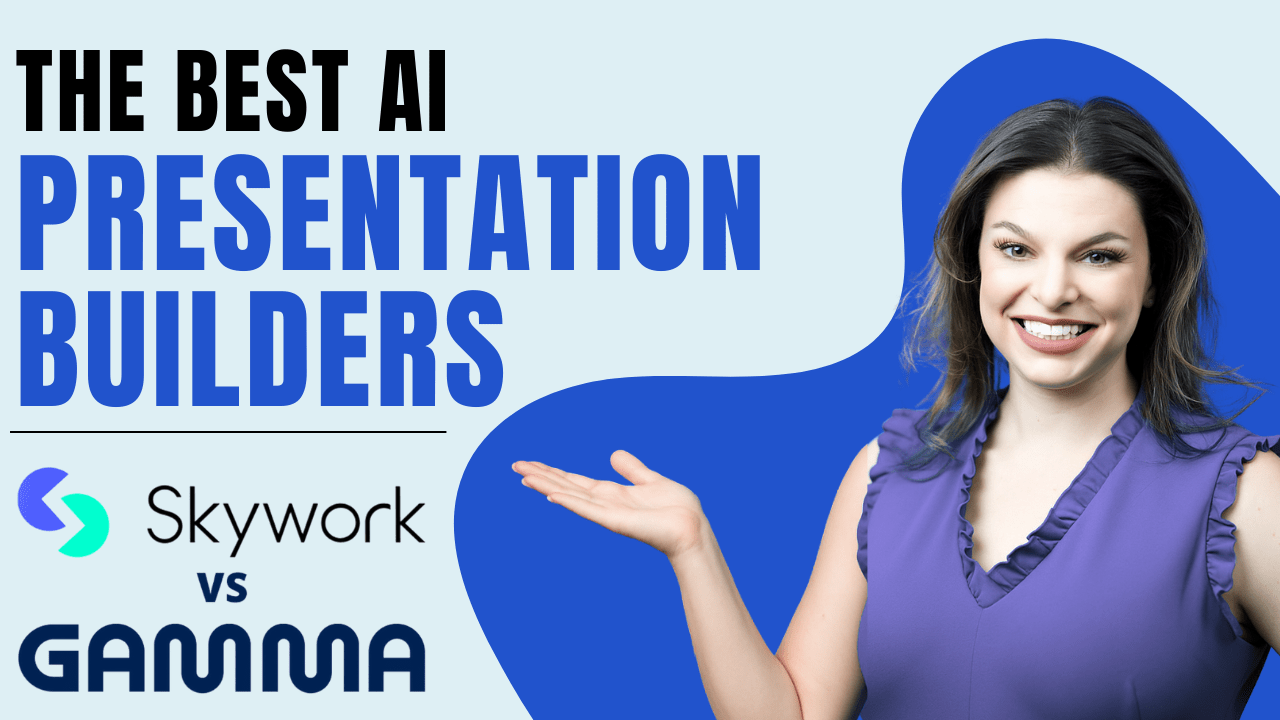
Want to create polished, professional presentations in minutes using AI? Whether you’re building a pitch deck, business report, or academic slideshow, this video compares Skywork AI and Gamma App — two powerful tools for AI-generated presentations. We will take a deep dive into: • Research Depth & Source Traceability – Skywork’s Deep Research mode shinesContinue reading “AI Presentation Tools: Skywork vs Gamma? I Put Them Head-to-Head (You’ll Be Surprised!)”
Zapier Agents Tutorial for Beginners — Automate Your Workflows with AI
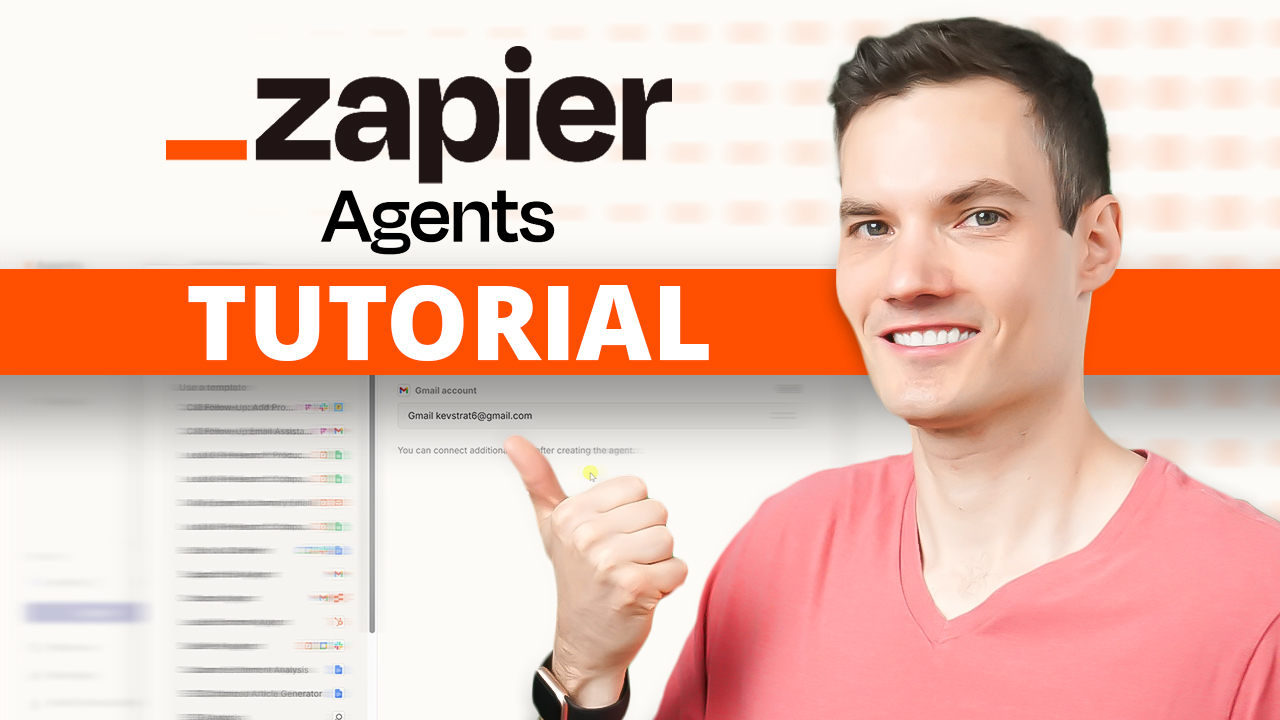
AI isn’t just for answering questions—it can actually do the work for you. In this tutorial, I’ll show you how to use Zapier Agents to connect AI directly to your apps, data, and workflows. Start building your own Zapier Agents here: https://zapieragents.kevinstratvert.com You’ll learn the difference between a basic AI chatbot and an AI agentContinue reading “Zapier Agents Tutorial for Beginners — Automate Your Workflows with AI”
Excel Just Got Smarter — Meet the NEW =COPILOT() Function
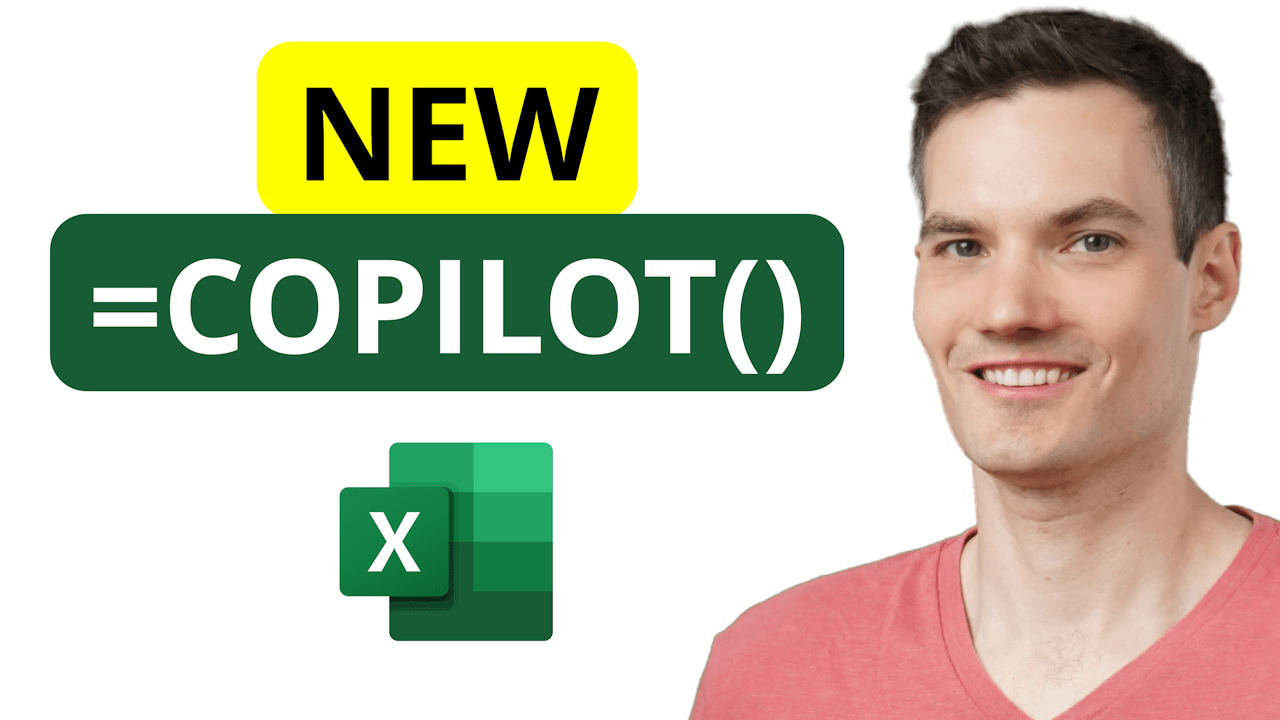
Excel just got a huge AI boost — the brand-new Copilot function lets you type =COPILOT directly into a cell, reference your data, and get instant answers or insights right in your spreadsheet. In this tutorial, I’ll walk you through: Whether you’re organizing feedback, summarizing data, or creating fun, dynamic content, Copilot in Excel canContinue reading “Excel Just Got Smarter — Meet the NEW =COPILOT() Function”
I Cloned Myself with AI — And It Made This Video (invideo AI v4.0)
Want to make videos without being on camera? I’ll show you how to clone yourself with AI and let your avatar do all the talking. In this video, I walk you through how to create your own AI twin using InVideo’s latest AI Twins feature. From uploading your footage to generating full, studio-quality videos thatContinue reading “I Cloned Myself with AI — And It Made This Video (invideo AI v4.0)”
n8n Tutorial for Beginners – Build Your First Free AI Agent
This n8n tutorial shows you how to build your first AI agent—totally free and without needing to know how to code. First, you’ll learn what makes an AI agent different from a simple workflow or chatbot, so you can start thinking like a builder, not just a user. Next, you’ll get hands-on with n8n, anContinue reading “n8n Tutorial for Beginners – Build Your First Free AI Agent”
How to Use Microsoft Copilot Studio (Step-by-Step Tutorial)
Learn how to use Microsoft Copilot Studio to build your own AI agents—no coding required! In this tutorial, I’ll walk you through every step of the process, from creating an agent to training it with your documents, connecting tools like email, and even setting up automated triggers. We’ll build a sample customer service agent namedContinue reading “How to Use Microsoft Copilot Studio (Step-by-Step Tutorial)”
Google Docs Tutorial for Beginners – EVERYTHING You Need To Know (2025)

This step-by-step Google Docs Tutorial gives you everything you need to create polished, professional documents in 2025—no experience required. Host: David DeWinter
 Kevin Stratvert