
Want to transcribe audio to text for free on your PC with no uploads or subscriptions? In this step-by-step tutorial, I’ll show you how to use a free app called Vibe to convert audio or video into text instantly. This tool runs entirely on your computer, so your files stay private and you can transcribeContinue reading “How to Transcribe Audio to Text for Free on Your PC”
Category Archives: Quick Tips
You Don’t Need a Second Monitor — Use Your Laptop Instead

Want a second monitor without buying extra hardware? In this video, I’ll show you how to turn your laptop into a second screen using built-in Windows features — no software required. You’ll also learn an alternative method that works on almost any setup, including tablets and different devices, using a free tool. By the end,Continue reading “You Don’t Need a Second Monitor — Use Your Laptop Instead”
“Read” without reading, with this AI app ✨
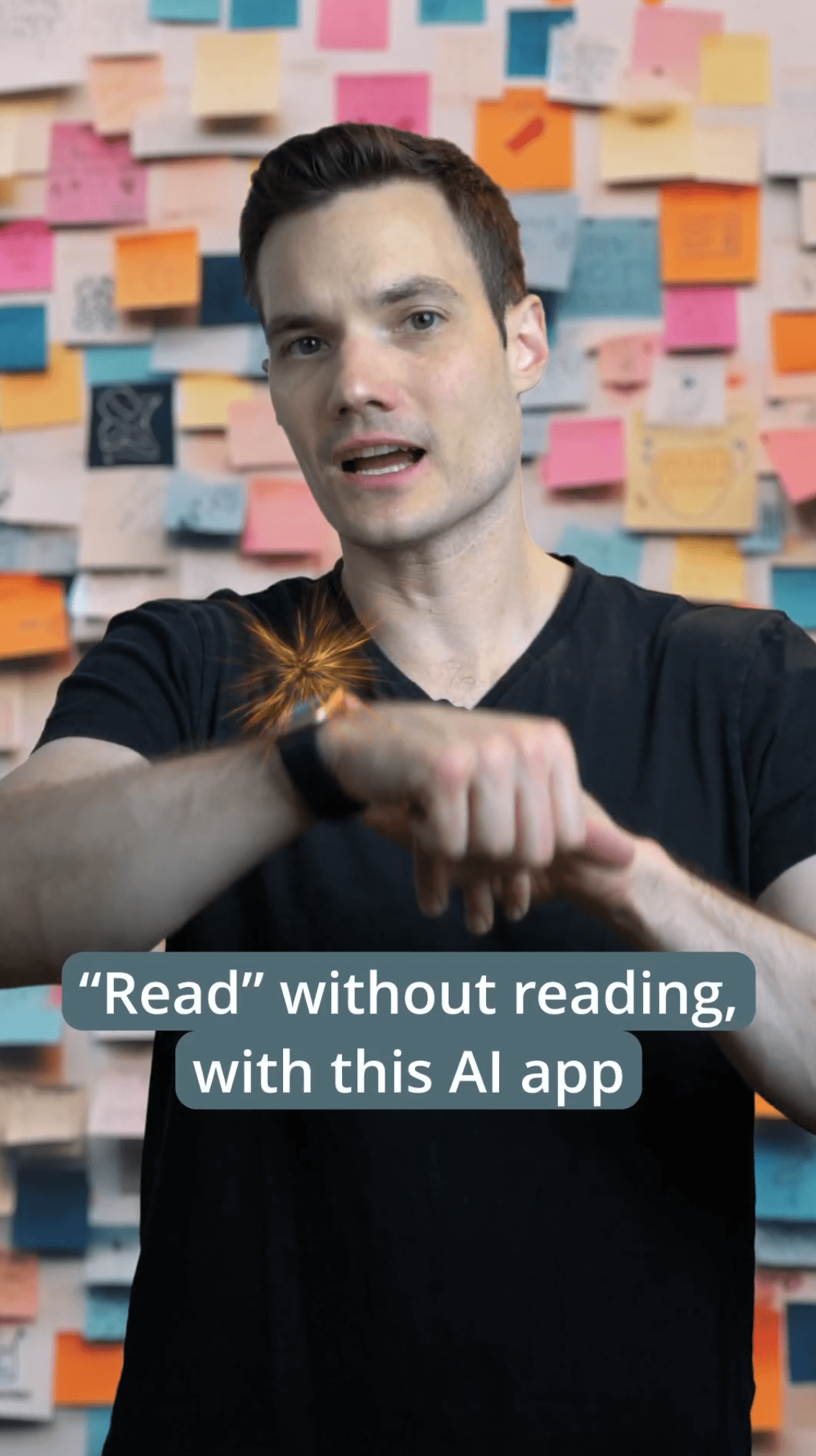
With recast, you can transform the way you consume content, whether you’re on the go, working out, or simply looking for a more convenient way to stay informed. Recast takes the hassle out of reading long articles, by turning them into entertaining, informative, and easy-to-understand audio conversations.
How to Close Any Frozen App in Just Two Clicks

This new setting in Windows 11 lets you close any unresponsive app in just two clicks, and you don’t even need to open Task Manager. To do this, follow these steps: Press the shortcut key Windows + I to open up settings. Then click on system. Then click for developers. Find the option that saysContinue reading “How to Close Any Frozen App in Just Two Clicks”

