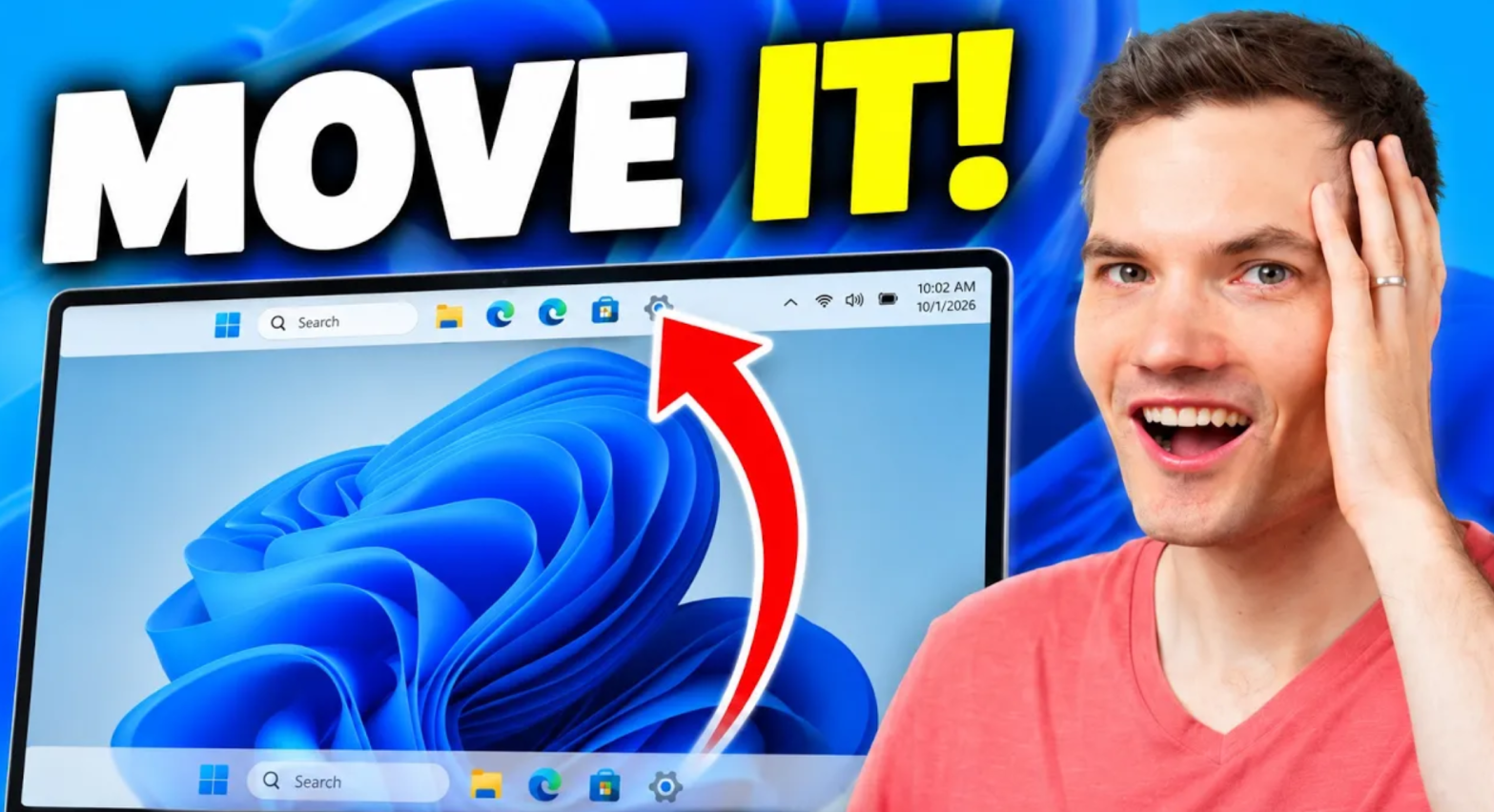
Windows 11 customization is finally getting better. You can now move the taskbar to the top or sides of your screen, make it smaller, customize the Start menu, and take more control over Windows Search.
In this video, I’ll show you the new Windows 11 customization features and how to use them. You’ll learn how to change the taskbar position and size, hide taskbar items, customize Search, resize and simplify the Start menu, turn off web results in Windows Search, and more.
Whether you want a cleaner desktop or simply miss the customization options from earlier versions of Windows, these new settings give you much more control over how Windows 11 looks and works.
Host: Kevin Stratvert

