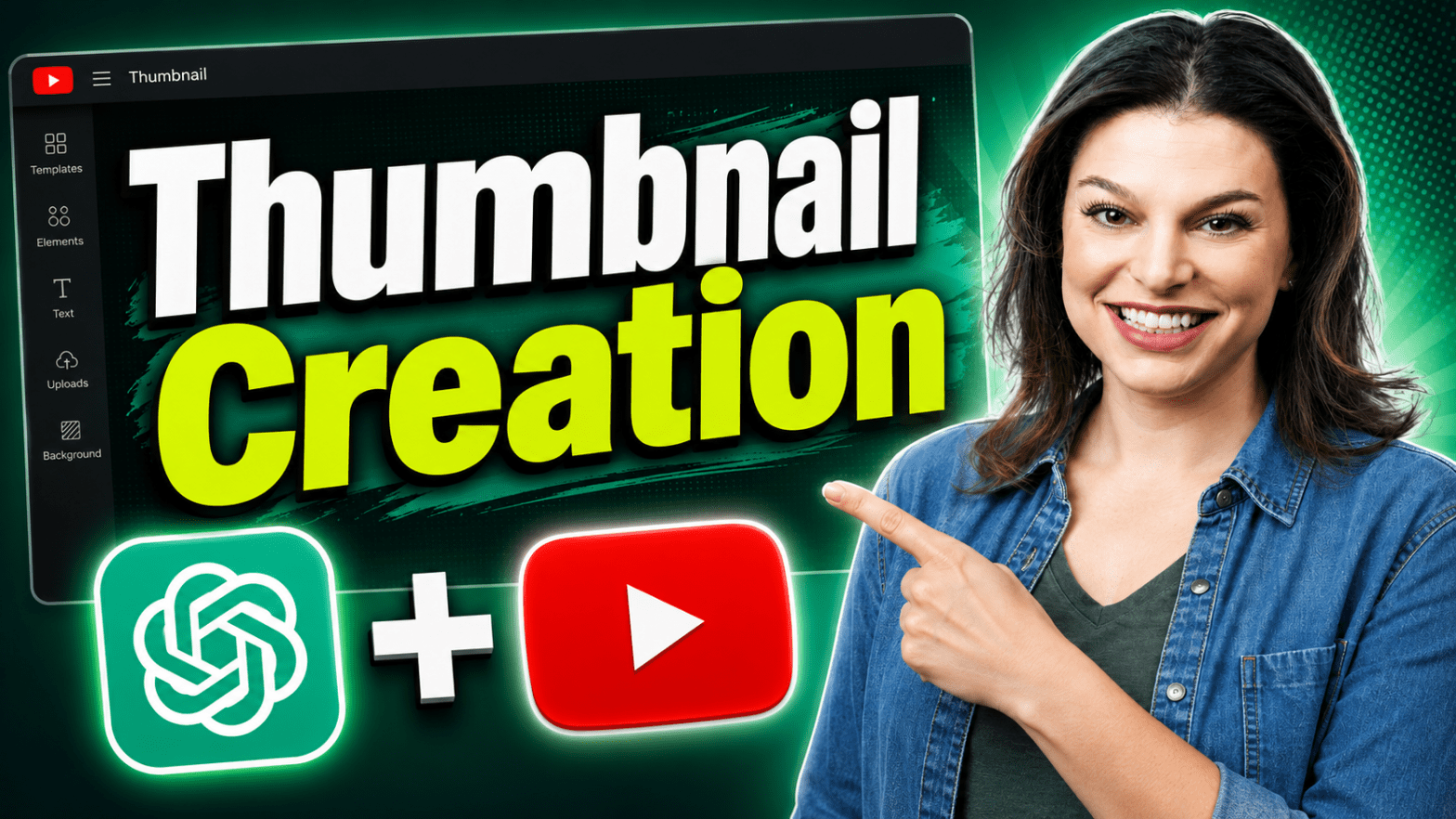
Learn how to make YouTube thumbnails with ChatGPT and create eye-catching thumbnail designs in minutes — no complicated design software required.
In this tutorial, I’ll show you how to create YouTube thumbnails with ChatGPT, refine your designs using simple prompts, edit specific parts of a thumbnail, upload logos and reference images, and brainstorm thumbnail concepts designed around viewer intent.
You’ll learn how to:
- Create a YouTube thumbnail with ChatGPT
- Generate thumbnail ideas before designing
- Change clothing, colors, and design elements
- Remove unwanted objects from a thumbnail
- Use logos, screenshots, and reference images
- Match a thumbnail to a brand’s look and feel
- Get feedback from ChatGPT on an existing thumbnail
I’ll also share tips for creating better YouTube thumbnails that clearly communicate what your video is about and give viewers a reason to click.
Whether you’re a beginner or just want a faster way to create professional-looking thumbnails, ChatGPT can help you brainstorm, design, edit, and improve your YouTube thumbnails in a single conversation.
Host: Elizabeth Parker
 Kevin Stratvert