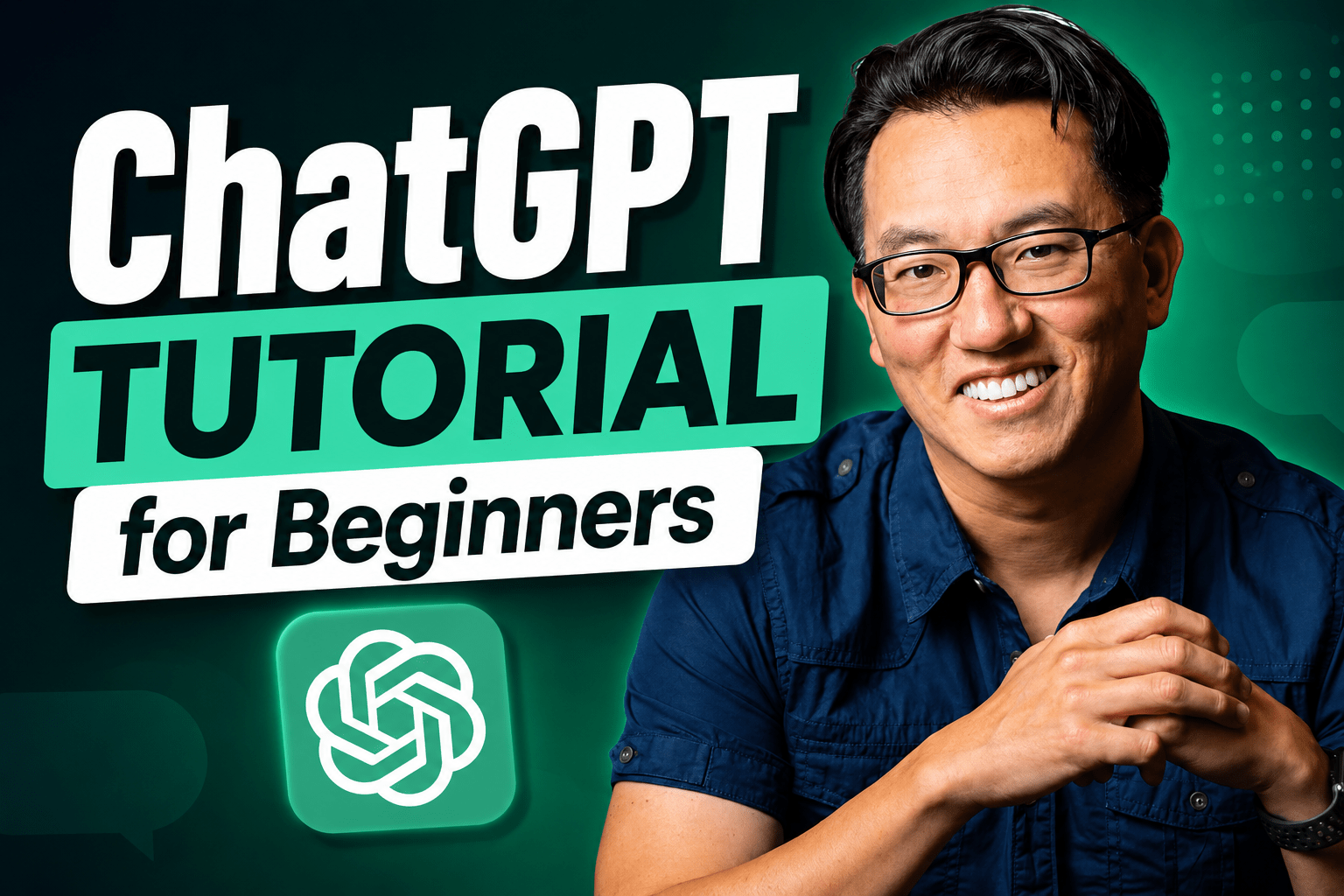
Learn how to use ChatGPT step by step in this complete beginner’s tutorial. Whether you’re brand new to AI or you’ve only used ChatGPT to ask a few questions, this guide will show you how to use ChatGPT to save time, write better, research faster, and become more productive.
In this ChatGPT tutorial, you’ll learn everything from the basics to advanced features. We’ll cover the free version of ChatGPT along with premium features, and I’ll clearly point out which tools require a ChatGPT Plus subscription.
In this video, you’ll learn how to:
- Write, edit, and improve emails, documents, and other content through natural conversation
- Upload PDFs, Word documents, Excel spreadsheets, and images to instantly summarize, analyze, and ask questions about them
- Research topics, compare products, and organize information with AI
- Create plans, calendars, checklists, presentations, and other documents from scratch
- Generate ideas, brainstorm solutions, and overcome writer’s block
- Connect ChatGPT to Zapier for easier automation
- Save chats into Projects to organize your work (ChatGPT Plus)
- Use Memory so ChatGPT remembers your preferences across conversations (ChatGPT Plus)
- Customize ChatGPT to work the way you do
Whether you’re using ChatGPT for work, school, your business, or everyday life, you’ll leave with practical skills you can start using immediately.
Host: Garrick Chow
Sponsor: Zapier

