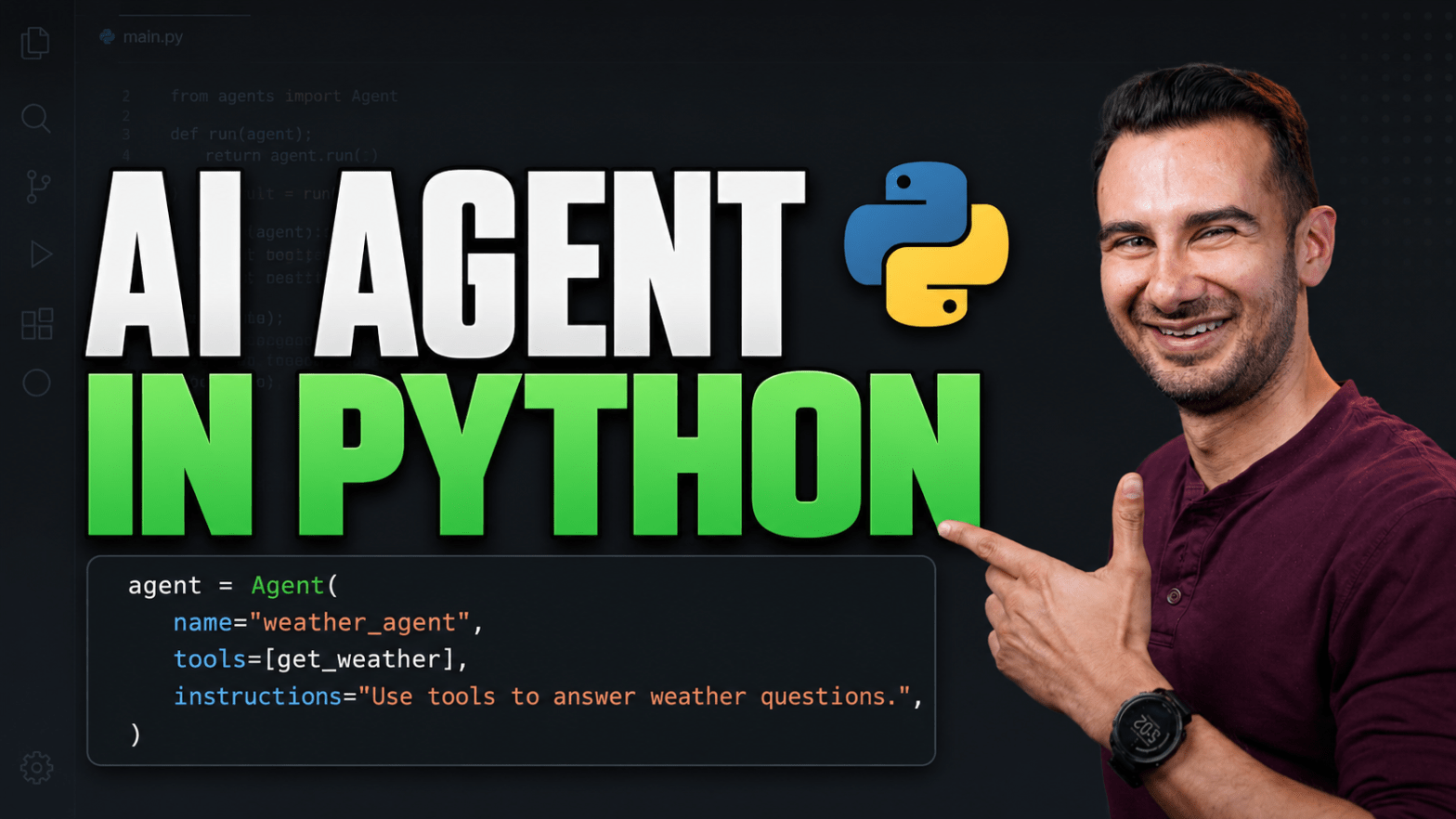
This beginner-friendly tutorial walks you through how to build your first AI agent in Python from scratch, step by step, with no prior experience required.
🤖 Install Agentspan in seconds: pip install agentspan or npm install @agentspan-ai/sdk
First, you’ll set up everything you need to follow along, including Python, the Java Development Kit (JDK), and the uv package manager, then install the free and open-source Agentspan framework with a single command.
Next, you’ll build your first AI agent in Python using just three simple building blocks: a tool the agent can call, the agent itself, and a single line of code that runs it.
Then, you’ll open the Agentspan dashboard and watch every step your agent takes, including the exact inputs and outputs of each tool call, so you can see exactly what your AI agent is doing.
Afterward, you’ll build a more capable agent that reads a Python file and writes its own pytest tests for each function, saving its progress one step at a time.
Along the way, you’ll learn why your agent’s state lives on a server instead of inside your Python script, the design choice behind everything that follows.
Then, you’ll crash your agent on purpose by killing the Python process in the middle of a run, and watch it resume exactly where it left off when you start it back up.
Finally, you’ll learn how to make your agent idempotent so it can survive reruns.
Start building with Agentspan ➜ pip install agentspan
Host: David DeWinter
Sponsor: Agentspan

