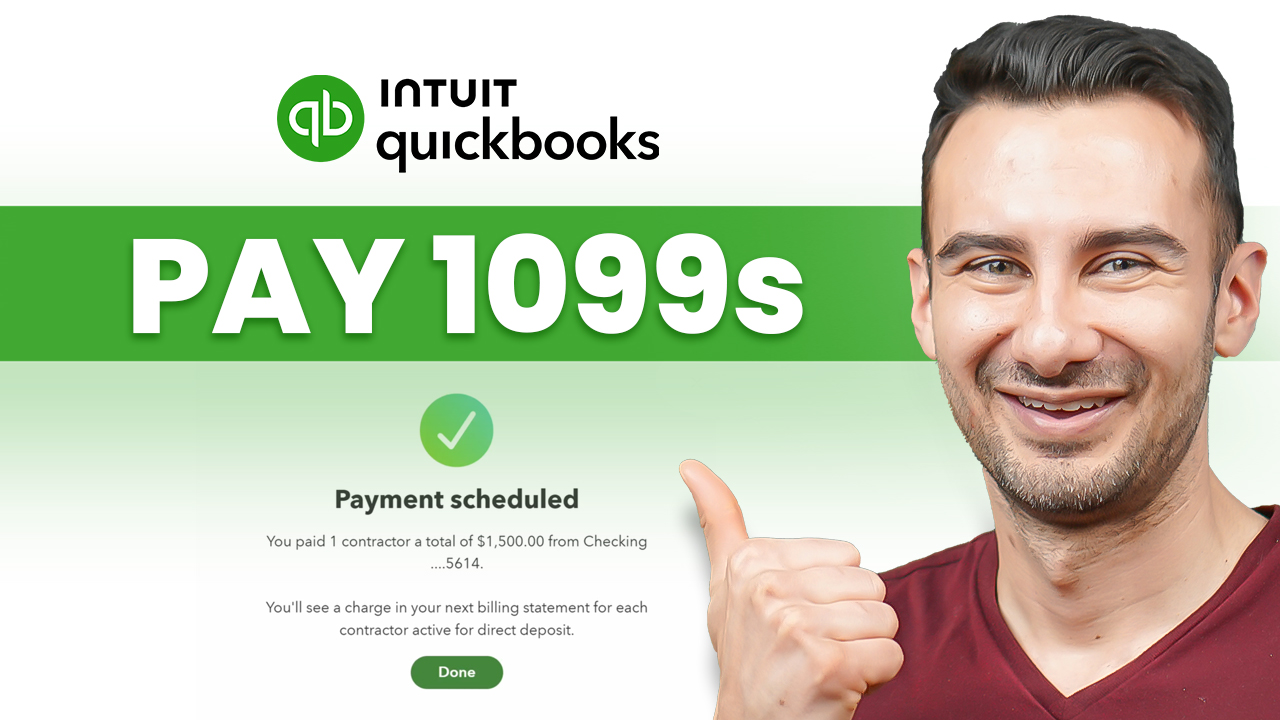
This QuickBooks Workforce tutorial (2026) walks you through paying 1099 contractors and filing 1099-NEC forms end-to-end, with self-service W-9 collection and AI-drafted forms built in. 💵 Get 50% off QuickBooks Workforce for 3 months ➜ https://qbworkforce.kevinstratvert.com/
First, you’ll pick the right plan from QuickBooks Workforce’s three tiers – Core, Premium, and Elite – and learn why contractor-only shops should consider QuickBooks Contractor Payments instead.
Next, you’ll add your first 1099 contractor and trigger the self-service W-9 flow, where the contractor enters their own tax classification, EIN, and direct deposit info from a free Intuit account.
Then, you’ll watch the W-9 land in QuickBooks as a downloadable PDF, ending the January W-9 chase for good.
After that, you’ll run a contractor payment with next-day direct deposit, map it to a Contract Labor expense account, and see QuickBooks auto-flag the payment as 1099-eligible.
Along the way, you’ll learn the new $2,000 federal 1099-NEC threshold for 2026 payments, up from $600, and which states still use the old number.
Afterward, you’ll open the year-end 1099 filing flow and use QuickBooks’ new AI feature to auto-draft 1099-NEC forms from your books in seconds.
Finally, you’ll e-file federal 1099s directly to the IRS, save $6 per form with free e-delivery through QuickBooks Workforce, and learn which smaller states need direct state filing.
Host: David DeWinter
Sponsor: Intuit

