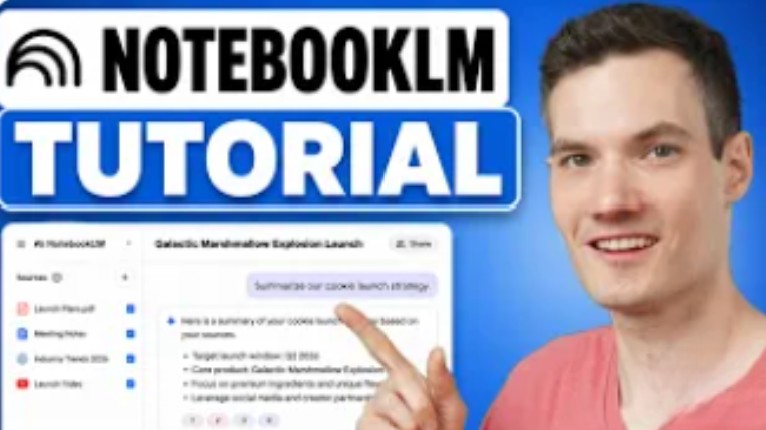
Learn how to use Google NotebookLM step by step in this full beginner tutorial. In this video, I’ll show you how to turn PDFs, notes, websites, Google Drive files, and YouTube videos into an AI-powered research assistant using NotebookLM.
We’ll cover how to:
- Create notebooks
- Add sources like PDFs, websites, and videos
- Ask questions about your documents
- Generate summaries with citations
- Create notes and organize research
- Build mind maps
- Generate AI podcasts and audio overviews
- Share notebooks with others
Whether you’re a student, researcher, creator, or professional, NotebookLM can help you analyze information faster and stay organized.
Host: Kevin Stratvert

