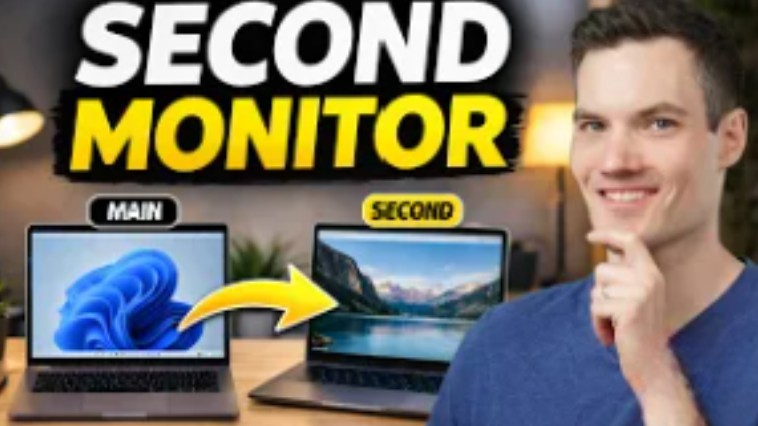
Want a second monitor without buying extra hardware? In this video, I’ll show you how to turn your laptop into a second screen using built-in Windows features — no software required.
You’ll also learn an alternative method that works on almost any setup, including tablets and different devices, using a free tool.
By the end, you’ll know how to:
- Extend your display across two laptops
- Duplicate or extend your screen
- Adjust monitor positioning for a seamless workflow
- Fix compatibility issues with an alternative method
- Improve performance with wired connections
This is perfect if you want more screen space for multitasking, productivity, or working on multiple apps at once.
Host: Kevin Stratvert
mo
 Kevin Stratvert