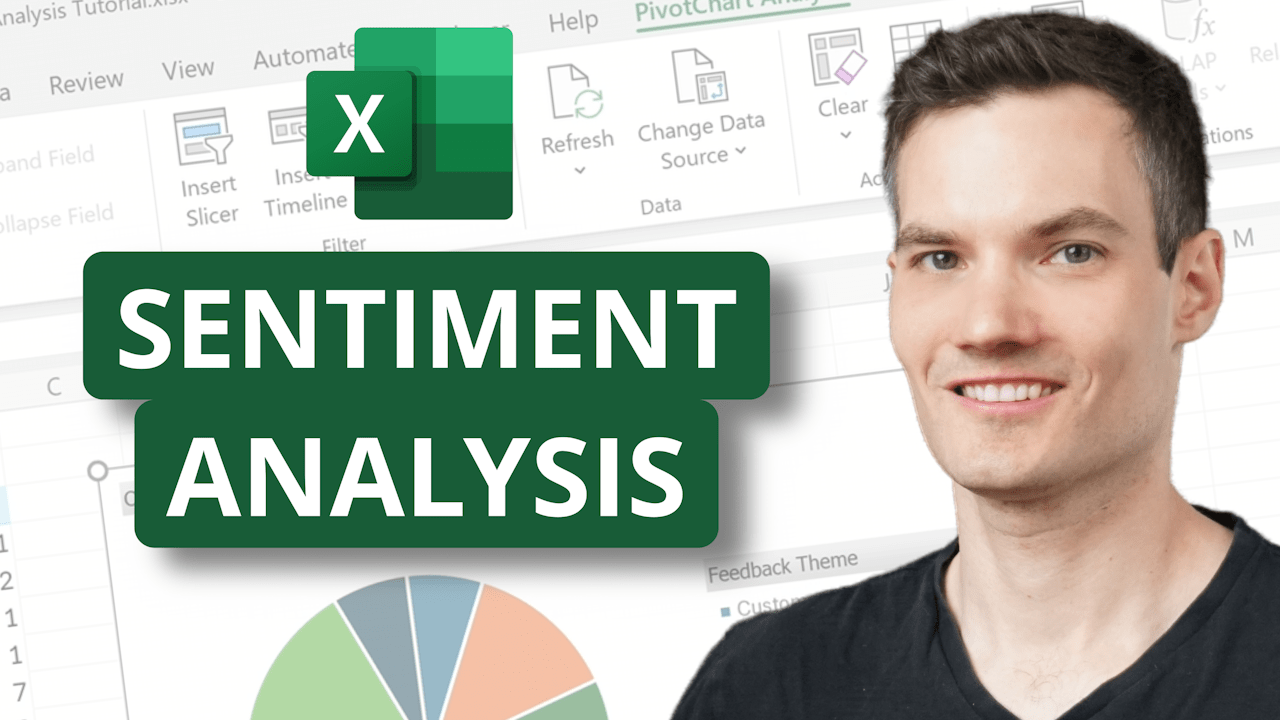
Get instant insights from your customer feedback with sentiment analysis in Microsoft Excel!
In this tutorial, I’ll show you step-by-step how to use Copilot in Excel to quickly analyze customer comments, pull out themes, and even generate visual word clouds. You’ll learn how to:
- Summarize customer sentiment in seconds
- Filter feedback by positive, neutral, and negative comments
- Categorize feedback by themes like pricing, packaging, and product quality
- Use the new =COPILOT() function directly in cells
- Build pivot tables and charts to spot patterns instantly
Whether you’re managing customer reviews, survey data, or team feedback, Excel with Copilot makes it easy to turn messy text into actionable insights.
Host: Kevin Stratvert
 Kevin Stratvert