
Today we are going to look at the best AI video generator that will take text, or basically a prompt, and it’ll turn that into a very impressive video.
Setting Up Your Account
Begin by visiting the following website and create an account using your email. Once signed in, you’ll land on a dashboard that’s the starting point of your video-making adventure.
Crafting Your Prompt
Your prompt is the seed for your AI-generated video. It’s where you detail your vision – be it a commercial or a short clip. Mention the platform, desired video format, tone, duration, and any specific elements like a call to action. For example, I want to pull together a commercial for the Kevin Cookie Company that’s short, compelling, and concludes with a visit to the company website.

Generating Your Video
With your prompt ready, hit the ‘generate a video’ button. Next, fine-tune your audience and the video’s look and feel, ensuring it aligns with your brand and the chosen platform. Continue, and the AI will begin creating your video.
Refining Your Creation
The AI might get close, but it’s your vision. To refine your video, simply click the edit button. Here you can swap out stock footage, change the script, and even upload your own media.

For instance, I replaced a generic cookie image with one more suited to my brand’s luxurious appeal. Further personalize your video by editing the script and voiceover. Opt for the tone that matches your message, and don’t hesitate to play around with the AI’s suggestions until you find the perfect fit.
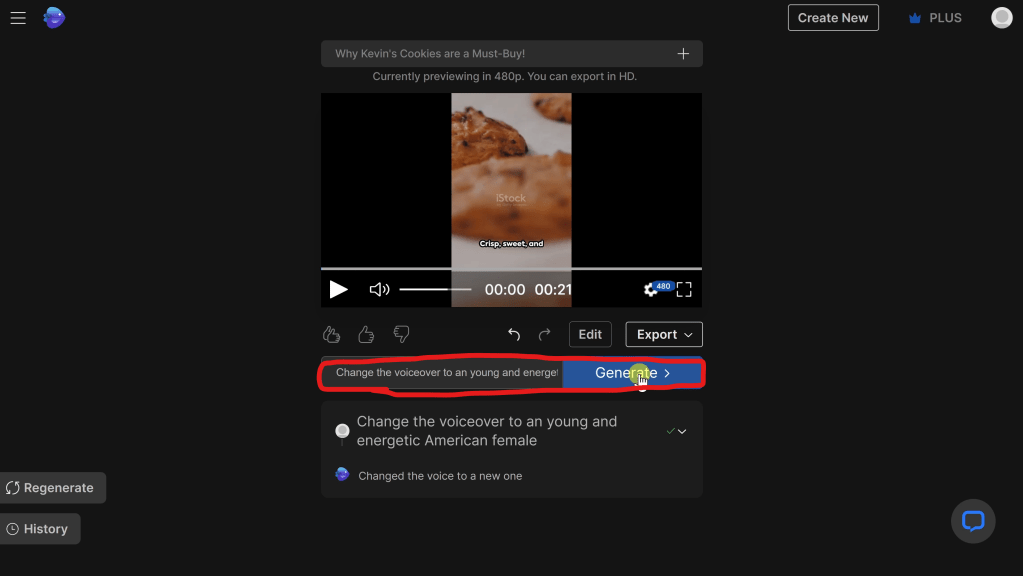
Along with manually editing your video, you can also instruct the AI to edit your video. For instance, you can ask the AI to try a different voiceover or even to add or remove clips.
Final Touches and Export
Once satisfied, proceed to export your video. Choose your resolution and decide on watermark settings. With a paid account, you can remove all branding for a clean, professional look.

Sharing Your Masterpiece
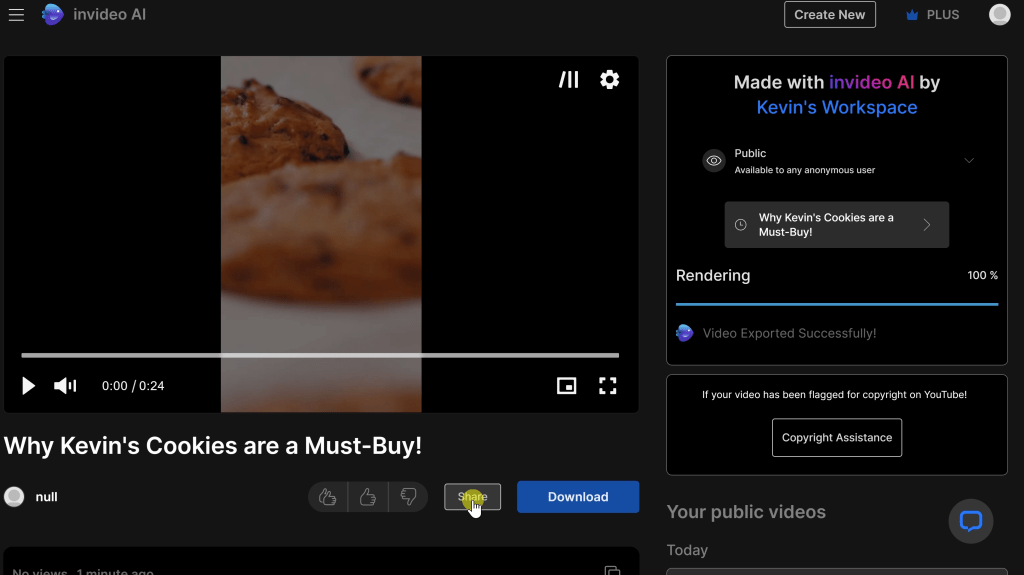
After rendering, your video is ready to dazzle on any platform. Download it, share it, and watch the views roll in.
Support and Project Management
Encounter any hitches? Support is just a click away. And as you create more videos, you’ll appreciate the project history feature that lets you revisit and refine past projects.
Conclusion
That’s how easy it is to pull together an AI generated video. With this, anyone can turn text into engaging video content. Now that you’ve seen how simple and intuitive it is to create an AI-generated video, why not try making one yourself? Remember, with AI, your imagination is the only limit.
 Kevin Stratvert
Thank you.
Very helpful.
Rehana
LikeLike
Glad it was helpful, Rehana!
LikeLike