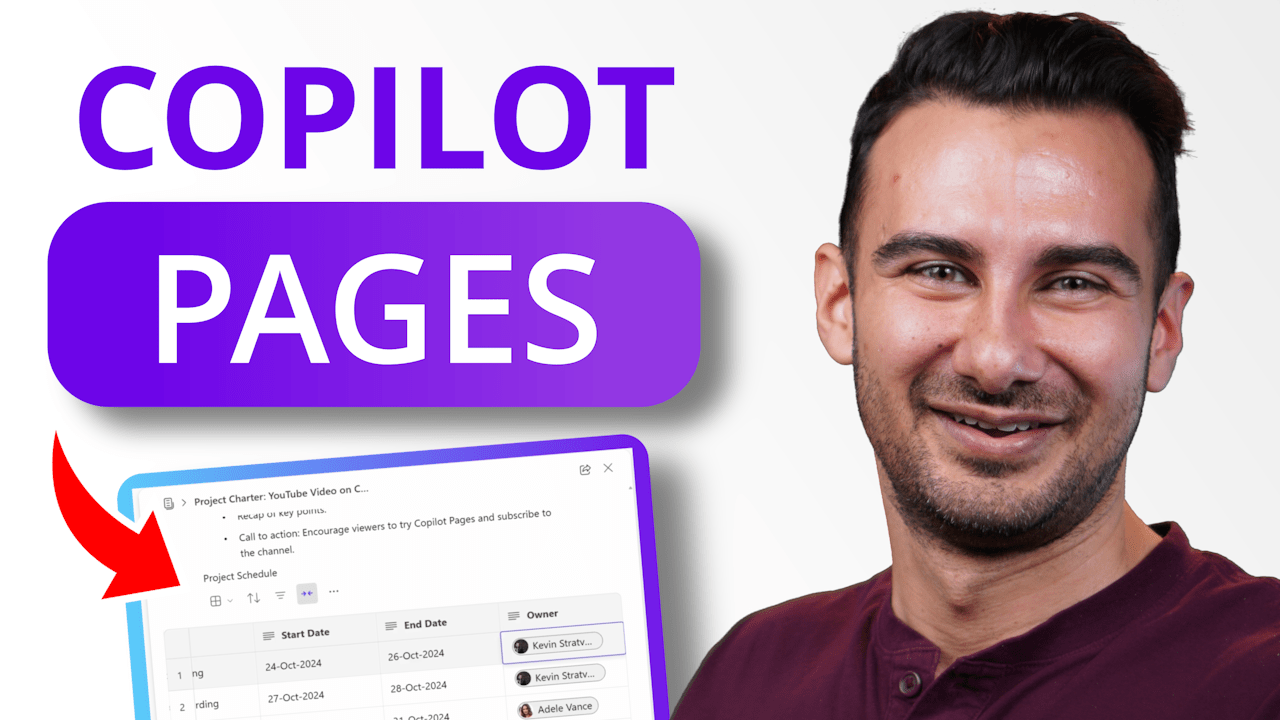
Introducing Copilot Pages – where your work transforms from solo word processing to an AI-powered team environment. No more fussing about where to store documents or how to keep your team aligned – just pure focus on creating, editing, and managing all your proposals, plans, specs, and docs seamlessly with your team. In this videoContinue reading “Copilot Pages in Microsoft 365: A First Look”
Category Archives: Loop
First-Look: How to use Copilot in Microsoft Loop

In this step-by-step tutorial, learn how to use Copilot in Microsoft Loop. Microsoft Copilot is a new feature of Microsoft 365 that uses artificial intelligence (AI) to help you with your work. It can understand your natural language and generate relevant content, such as text, data, charts, images, and more. In Microsoft Loop, you can use Copilot to write text, brainstorm new ideas, generate tables, rewrite content, summarize text, and much more. Microsoft Loop is now generally available.
Microsoft Loop Explained: this will change how you work

In this overview video, learn what Microsoft Loop is, how it’ll change work, how you can test it now, how it compares to competition like Notion, and what’s coming up next. Microsoft Loop is a new app that combines a powerful and flexible canvas with portable components that stay in sync and move freely acrossContinue reading “Microsoft Loop Explained: this will change how you work”
 Kevin Stratvert