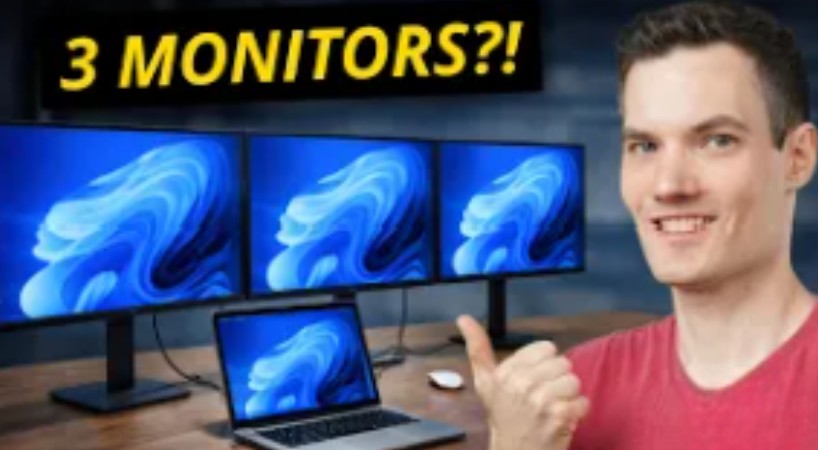
How to connect 3 monitors to a laptop (triple monitor setup step-by-step). In this video, I’ll show you exactly how to set up a triple monitor setup, even if your laptop normally only supports one or two displays.
We’ll start with the basics, including how to connect external monitors using HDMI and USB-C, and how to extend your desktop across multiple screens. Then we’ll cover the biggest issue most people run into: why your laptop won’t support a third monitor.
From there, I’ll show you how to fix this using USB display adapters and docking stations, so you can run two, three, or even more monitors from your laptop. I’ll also explain when to use HDMI splitters, switches, and matrix systems depending on your setup.
If you want more screen space for work, productivity, or content creation, this will walk you through everything you need to know.
Host: Kevin Stratvert
Sponsor: OREI
📚 RESOURCES
- Display Adapter: https://amzn.to/4sD37iA
Adds extra monitors over USB so you can run up to 4 screens total (including your laptop) - Docking Station: https://amzn.to/4sDdbYV
Connect up to 3 monitors and accessories through one cable (great for a clean desk setup) - HDMI Switch: https://amzn.to/3O6LmsR
Connect multiple devices to one screen and switch between them - HDMI Splitter: https://amzn.to/4dLia4X
Duplicate one device across multiple screens - HDMI Matrix: https://amzn.to/4bK7faF
Route multiple devices to multiple screens however you want
 Kevin Stratvert