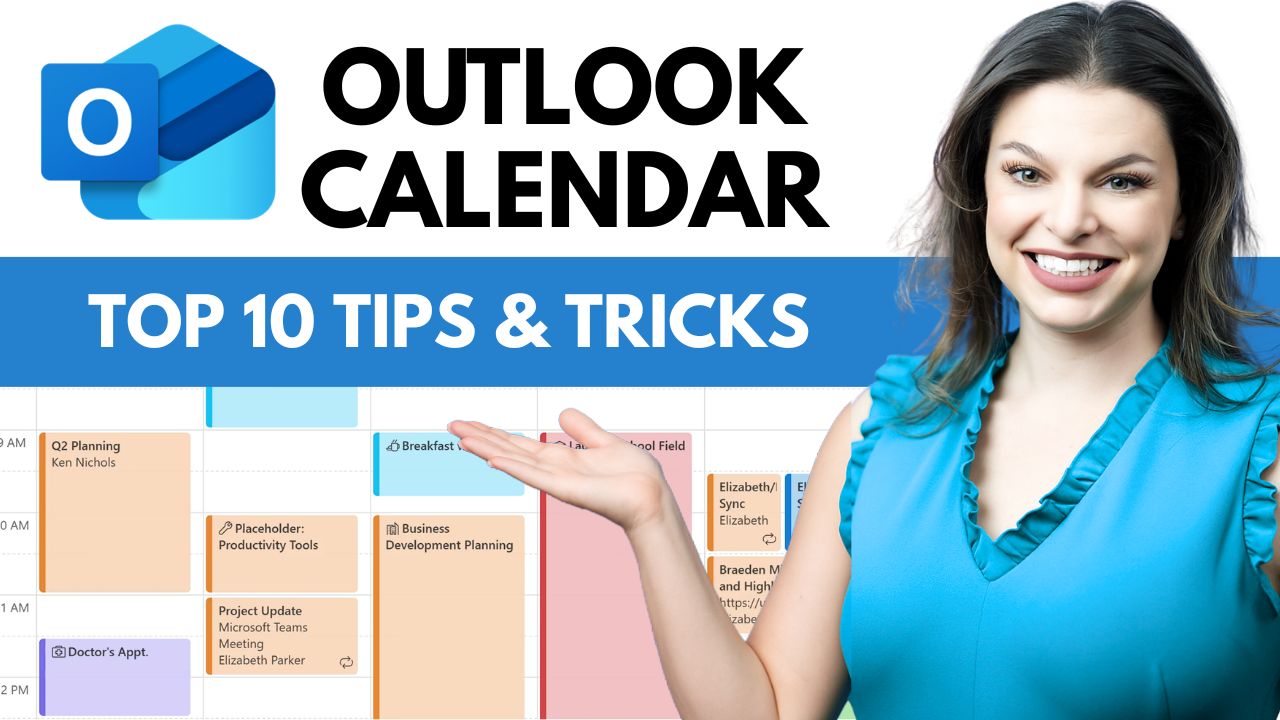
Want to get more done in less time using Microsoft Outlook Calendar? In this video, I’ll walk you through 10 powerful Outlook Calendar tips and tricks that will instantly boost your productivity and help you manage meetings, scheduling, and time blocking like a pro.
Whether you’re using Outlook for work, managing a busy team, or juggling multiple time zones, these practical Outlook Calendar hacks will help you stay organized, reduce meeting chaos, and take control of your day.
🔥 In this video, you’ll learn how to:
- Create calendar events directly from emails
- Stack multiple time zones in one calendar view
- Edit invitees in a meeting without sending notifications to everyone
- Create color-coded categories for better organization
- Easily edit recurring meetings on your calendar
- Adjust your default meeting lengths
- View your calendar alongside your Outlook email
- Quickly duplicate meetings on your calendar
- Share your calendar with others
- Adjust to dark mode and change your background theme
Host: Elizabeth Parker
 Kevin Stratvert