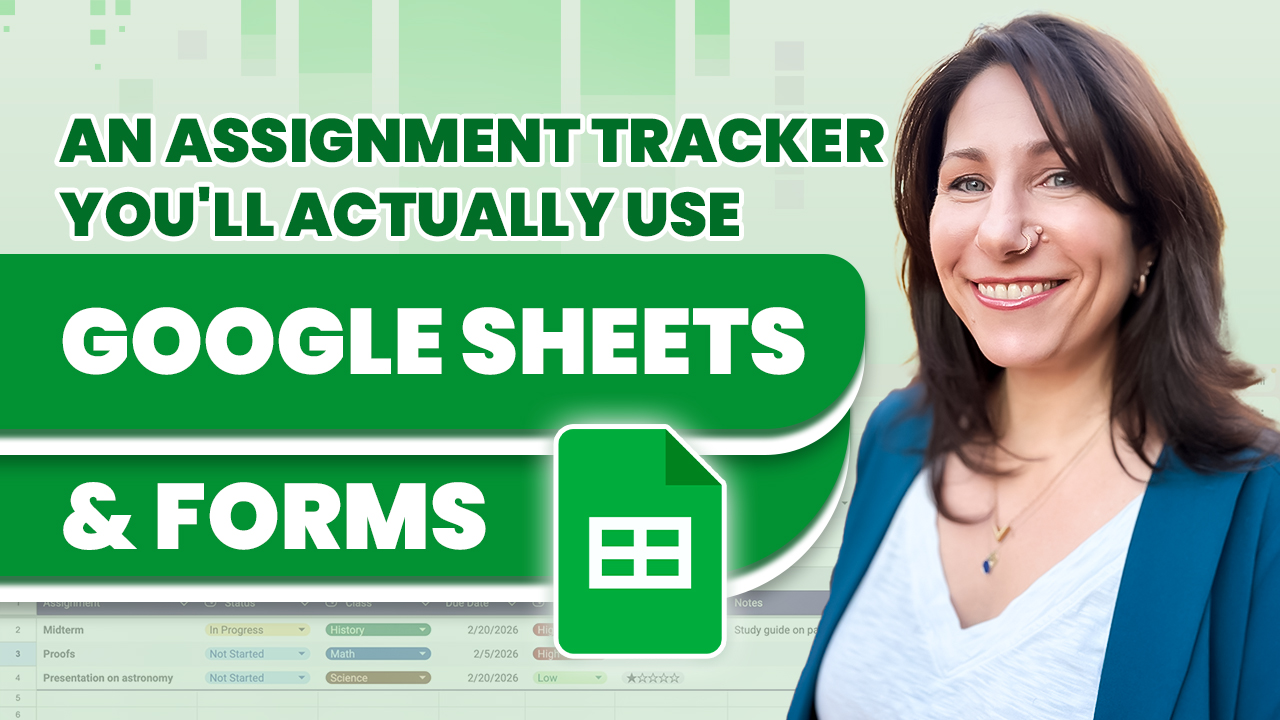
Do you have trouble keeping up with your assignments or To Do’s? In this video, create an assignment tracker using Google Sheets and easily input them on your mobile device with a Google Form.
You’ll create a Google Form to input all your required info, including assignment, class, difficulty rating, due date, and space for notes.
Then we’ll move on to customizing a Google Sheet to use dropdowns, smart chips, and formulas. We’ll also add custom formulas to apply conditional formatting to mark an assignment as completed and add icons to identify upcoming due dates!
Finally, we’ll “appify” the form, adding an icon to your iPhone’s home screen so you can enter your assignments with ease!
Host: Jess Stratton
 Kevin Stratvert