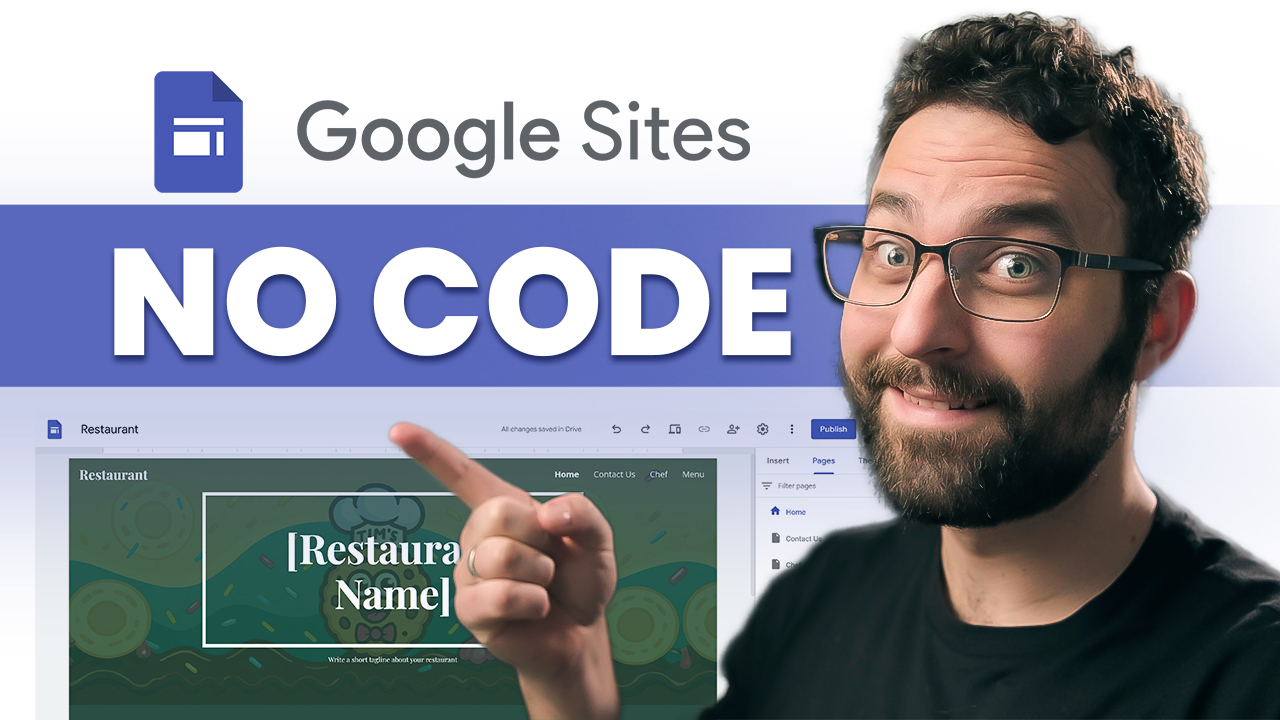
Create a professional website in minutes! Do you want one today without coding or hosting fees? In this Google Sites tutorial, I’ll walk you through building a site from a template, customizing the design, adding pages and content, and publishing it live.
What you’ll learn:
• Start from a template (or blank site)
• Header setup (banner image, readability + anchoring)
• Pages + navigation (reorder, dropdowns, links, embeds)
• Adding content (buttons, images, layouts, spacers/dividers, collapsible groups)
• Google Drive embeds + sharing permissions
• Themes + branding (logo, colors, fonts)
• Preview on mobile + publish (free URL or custom domain option)
Host: Tim Seneker
 Kevin Stratvert