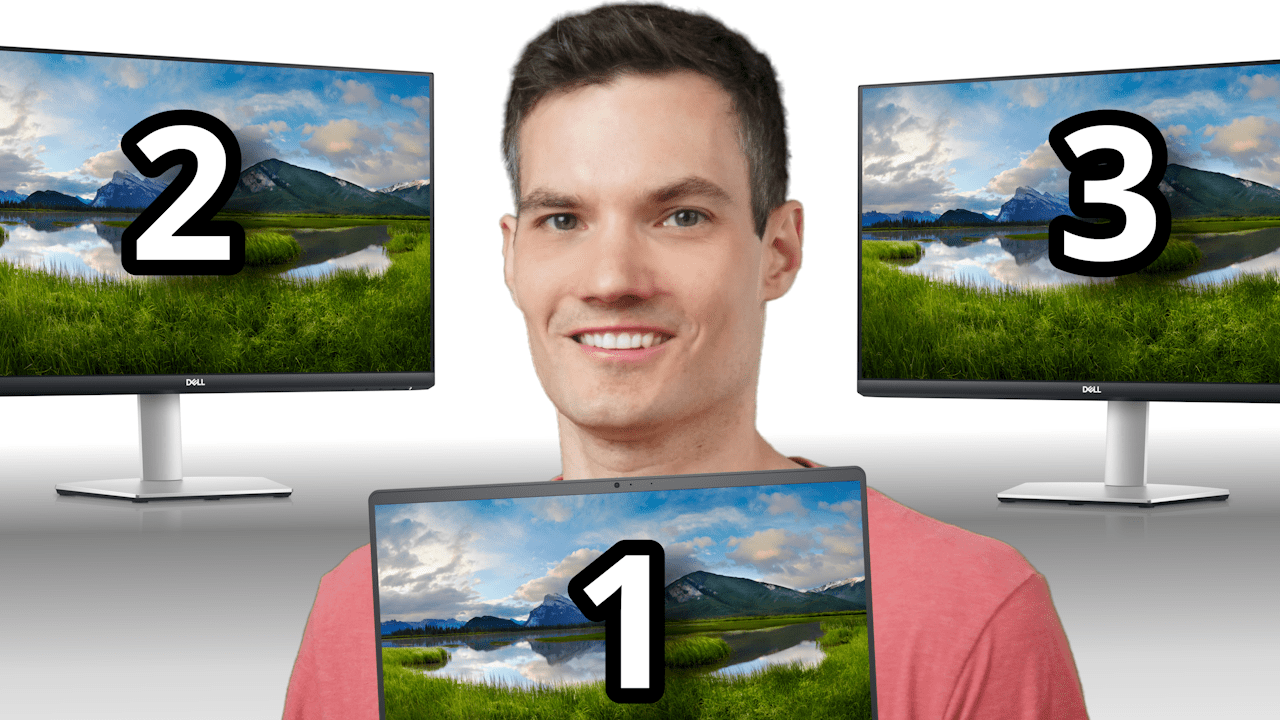
Want to connect multiple monitors to your laptop? It’s easier than you think! In this video, I’ll show you step-by-step how to set up dual or even triple monitors for your laptop, whether you’re duplicating your display or extending it across multiple screens.
What You’ll Learn:
✅ Check your laptop and monitor ports – Find out what you need to connect directly without extra hardware.
✅ Simple direct connections – Use HDMI, USB-C, or adapters to set up two monitors.
✅ Using an HDMI splitter – Perfect for duplicating the same screen on multiple displays.
✅ Extend your display with SplitXtend – Get independent screens for multitasking, gaming, or working efficiently.
✅ Configure your monitors in Windows – Customize layouts, resolution, refresh rate, and more.
Whether you’re setting up monitors for productivity, presentations, or gaming, this guide has everything you need. Let me know in the comments if you have any questions or run into issues. Enjoy your new multi-monitor setup! 🚀
Host: Kevin Stratvert
 Kevin Stratvert