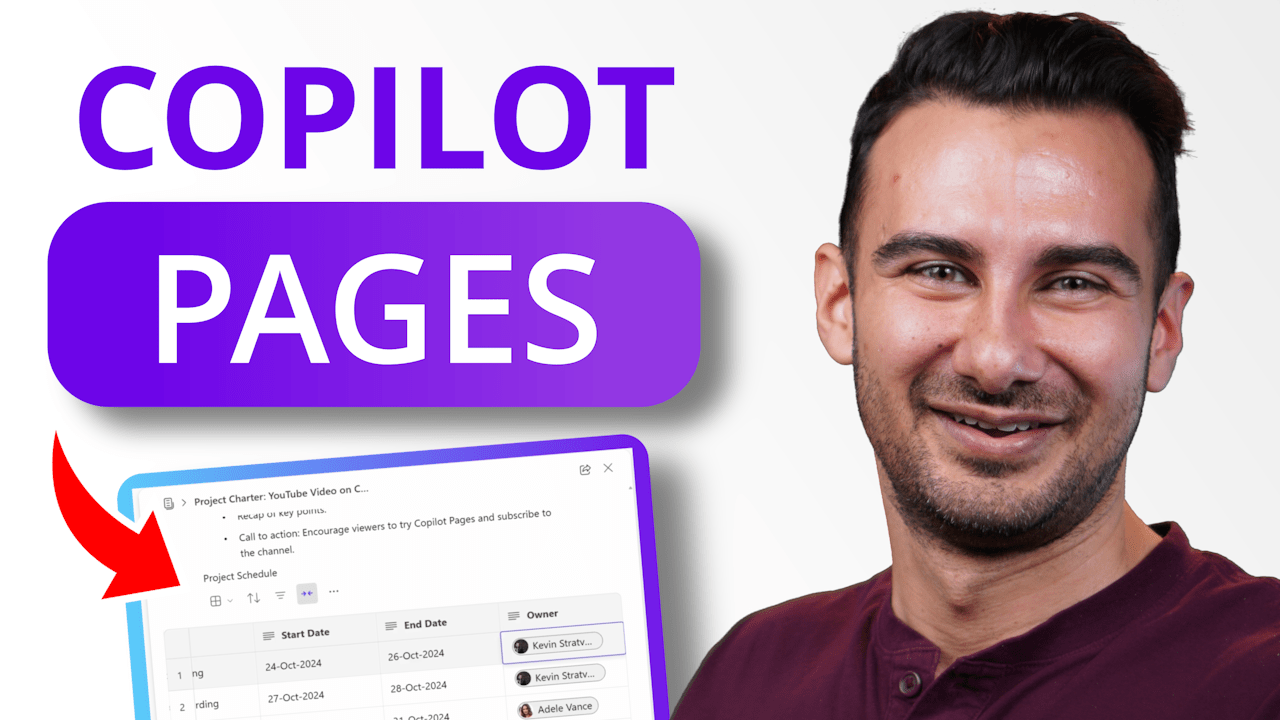
Introducing Copilot Pages – where your work transforms from solo word processing to an AI-powered team environment. No more fussing about where to store documents or how to keep your team aligned – just pure focus on creating, editing, and managing all your proposals, plans, specs, and docs seamlessly with your team.
In this video you’ll first learn how to access Copilot Pages through Copilot for Microsoft 365.
You’ll get the basic familiarity with the edit canvas, based on Microsoft Loop.
You’ll then see how to share your new Copilot Page with others and make real-time edits.
Then you’ll learn how to add more Copilot responses to your page.
Next, you’ll see how to share your page in a read-only view.
Finally, you’ll learn how this overlaps with Microsoft Loop – and how you can get back to the pages you create.
Host: David DeWinter
 Kevin Stratvert